Vendors
Manage your trusted service providers—contractors, service companies, and vendors who work on your home or systems.
What Are Vendors?
Vendors are service providers who:
- Work on your home or systems
- Provide regular maintenance or service
- You want to track and remember
Adding a Vendor
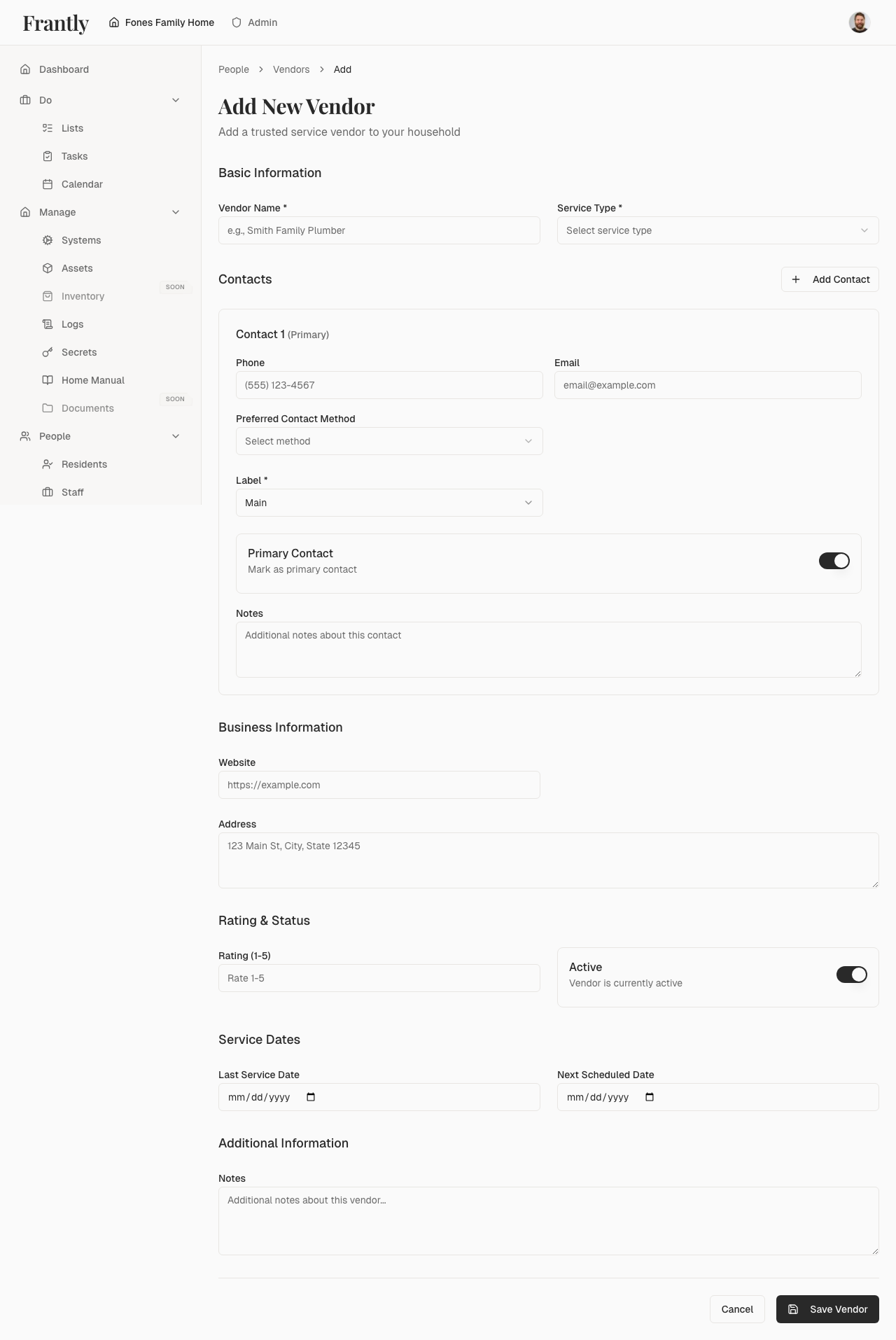
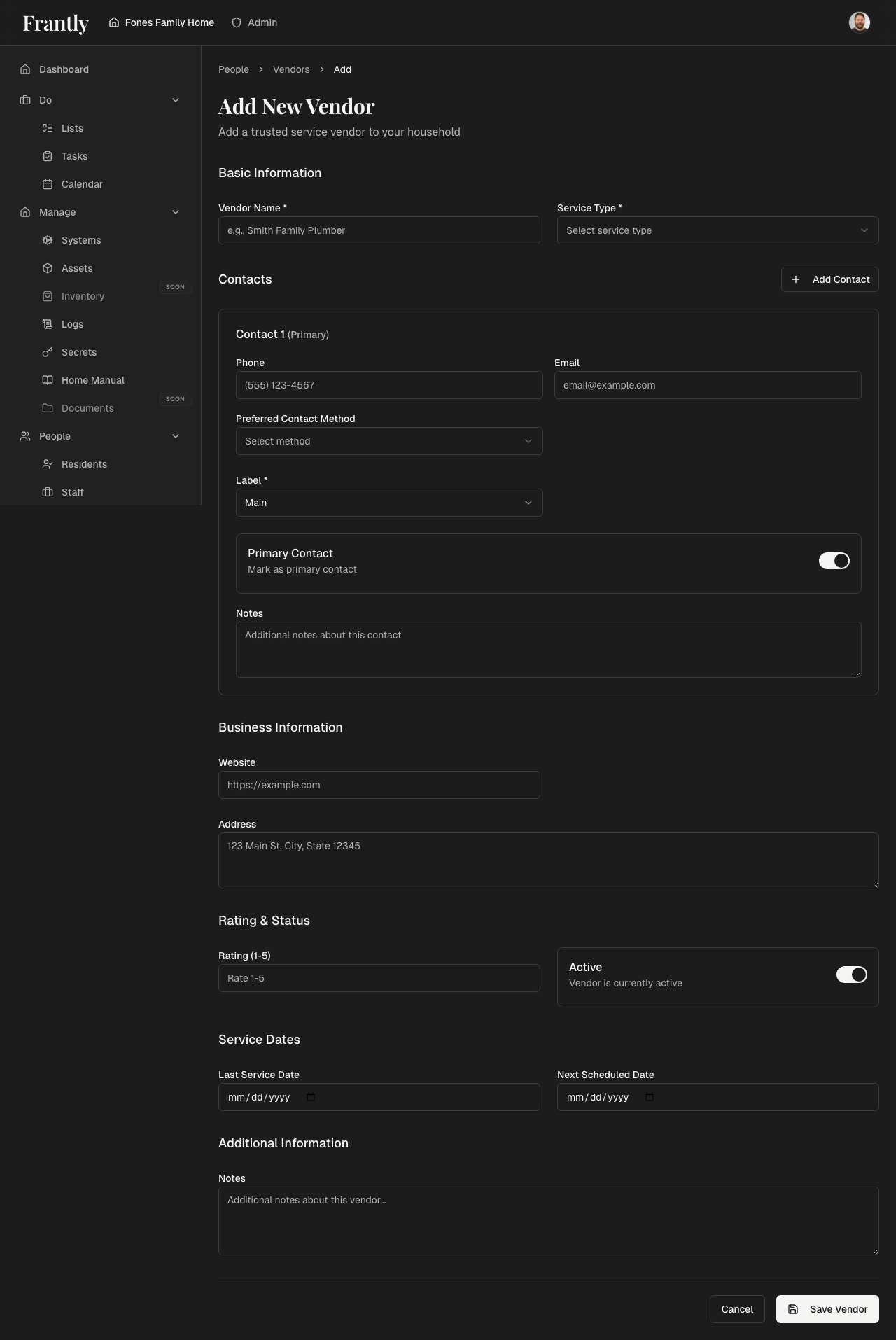
- Go to People → Vendors
- Click "Add Vendor" or "New Vendor"
- Enter vendor information:
- Company name
- Contact information
- Service types
- Notes
- Save the vendor
Managing Vendors
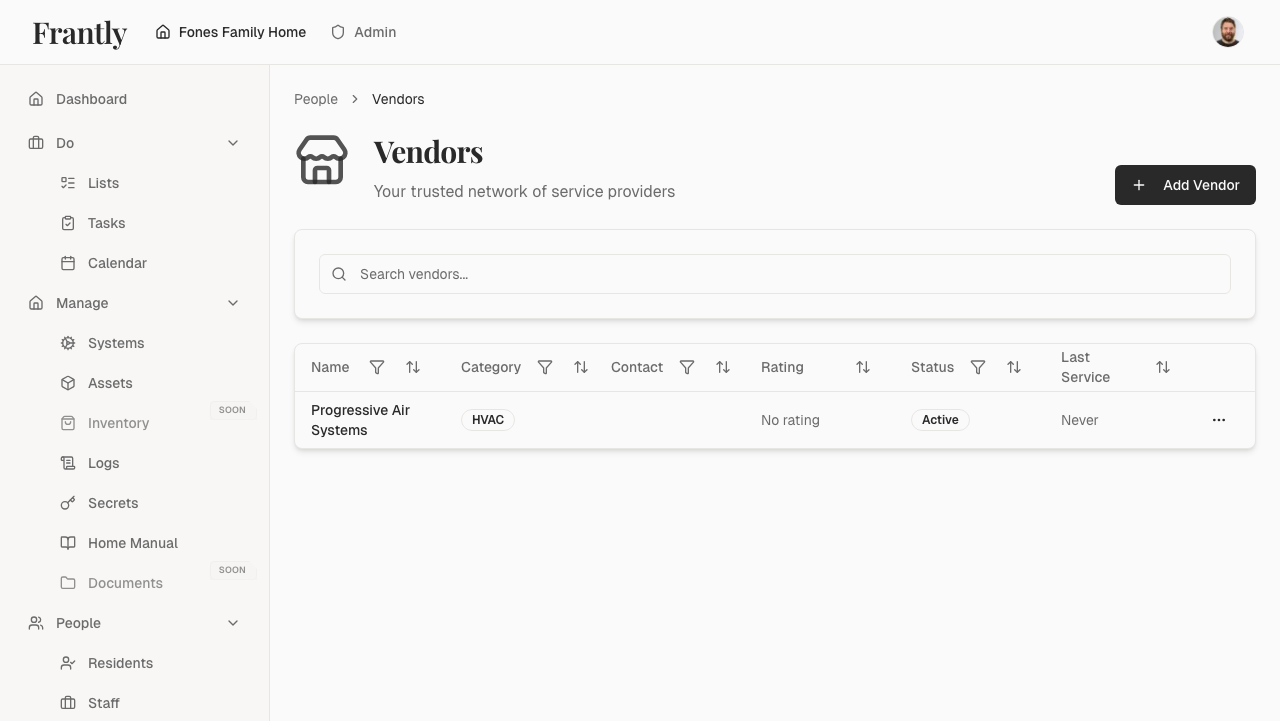
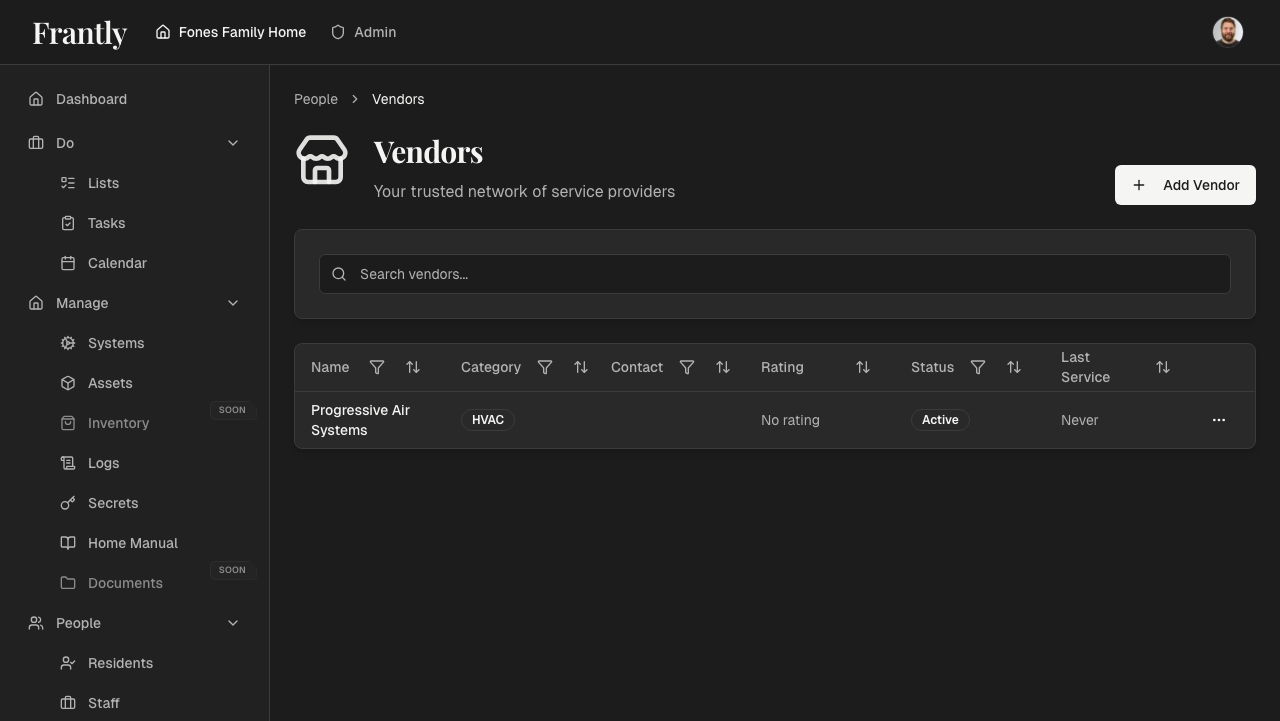
- View all vendors - See all vendors you work with
- Edit vendors - Update contact information and details
- Rate vendors - Keep notes on quality and reliability
- Track service - Link vendors to systems and maintenance
- Remove vendors - Remove vendors you no longer use
Vendor Information
For each vendor, you can track:
- Contact information - Company name, phone, email, address
- Service types - What services they provide
- Service history - Work they've done
- Ratings - Your notes on quality and reliability
- Preferred status - Mark your favorites
Recording Service
When vendors do work:
- Find the vendor
- Record the service
- Add notes about the work
- Rate the service quality
- Link to the system or asset
Tips
- Add vendors as you work with them
- Rate vendors to remember who's reliable
- Keep contact information up to date
- Link vendors to systems they service
- Track service history for reference
Next: Learn about contacts →