Common Issues
Here are solutions to the most common issues you might encounter.
Sign In Issues
Can't Sign In
If you're having trouble signing in:
- Check your email address—make sure you're using the correct one
- Check your password—ensure caps lock is off and you're typing correctly
- Try password reset—use the "Forgot password" link on the sign-in page
Forgot Password
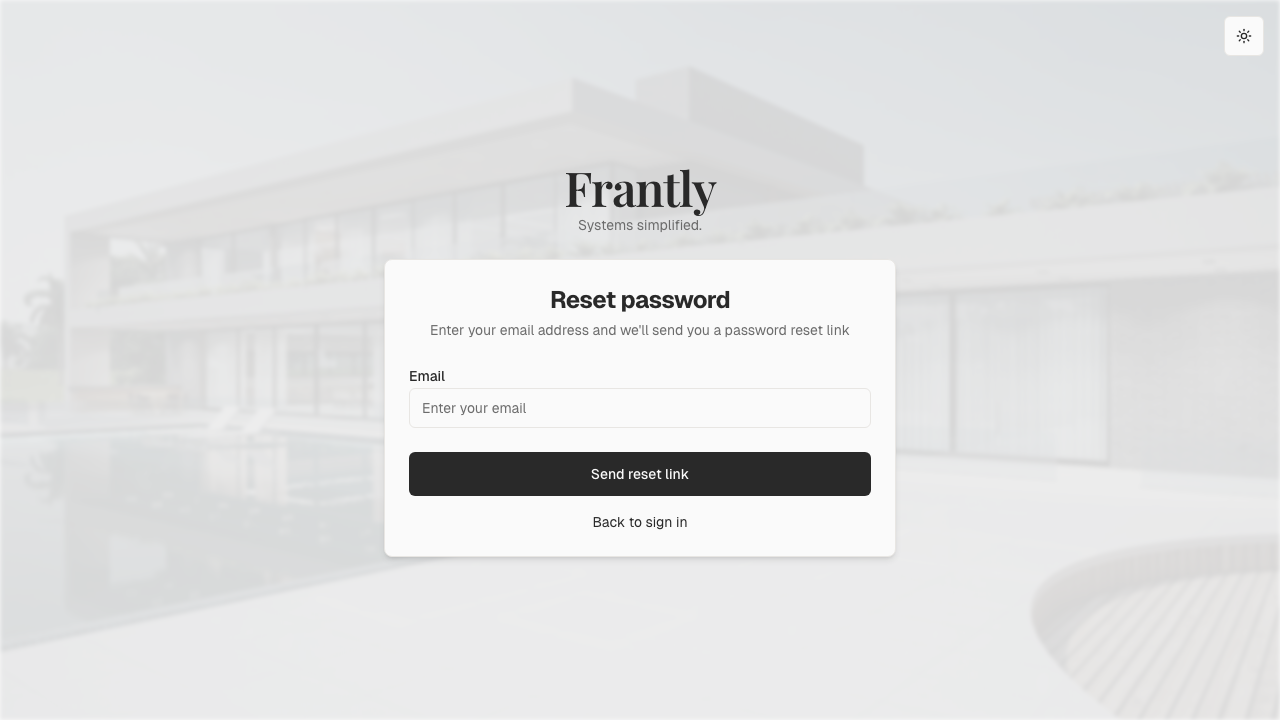
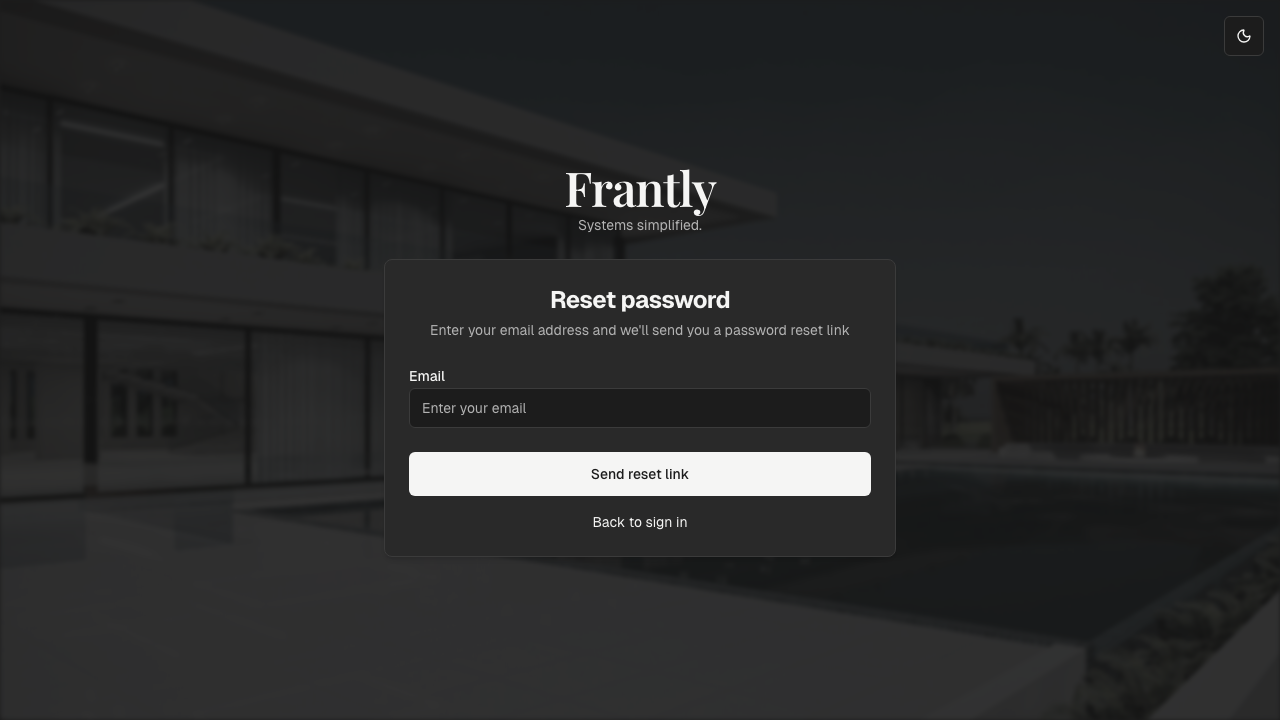
To reset your password:
- Go to the sign-in page
- Click "Forgot password" or "Reset password"
- Enter your email address
- Check your email for a password reset link
- Click the link and follow the instructions to create a new password
Note: The password reset link expires after a certain time for security. If it expires, request a new one.
Can't find the email?
- Check your spam or junk folder
- Make sure you're checking the email address associated with your Frantly account
- Wait a few minutes—emails can sometimes be delayed
General Troubleshooting
If you're experiencing issues with the app, try these steps in order:
1. Refresh the Page
Sometimes a simple refresh resolves temporary issues:
- Desktop: Press
Ctrl+R(Windows/Linux) orCmd+R(Mac) - Mobile: Pull down to refresh
2. Clear Browser Cache and Cookies
Stored data can sometimes cause problems:
- Chrome/Edge: Settings → Privacy → Clear browsing data → Select "Cookies" and "Cached images" → Clear
- Firefox: Settings → Privacy → Clear Data → Select "Cookies" and "Cached Web Content" → Clear
- Safari: Safari → Clear History → Select "all history" → Clear
3. Try a Different Browser
If the issue persists, try accessing Frantly in a different browser to see if it's browser-specific.
4. Check Your Internet Connection
Make sure you have a stable internet connection:
- Try loading other websites
- Check your Wi-Fi or network connection
- Try disconnecting and reconnecting
5. Disable Browser Extensions
Some browser extensions can interfere with web apps:
- Temporarily disable extensions (especially ad blockers or privacy tools)
- Try accessing Frantly in an incognito/private window
6. Update Your Browser
Make sure you're using an up-to-date browser version:
- Check for browser updates
- Update if available and try again
If none of these steps resolve your issue, please contact support with details about what you're experiencing.