What Are Secrets?
Secrets are a secure way to store sensitive information you need to access but want to keep private—like a digital safe for your important information.
What Can You Store?
Store various types of sensitive information:
- Passwords - Account passwords, Wi-Fi passwords, device passwords
- Access Codes - Security codes, PINs, entry codes
- Account Numbers - Account numbers, membership numbers, reference numbers
- Other Sensitive Info - Any other information you want to keep secure
Why Use Secrets?
Security
- Encrypted storage - Military-grade encryption
- Secure access - Only you and authorized household members can view secrets
- No plain text - Secrets are never stored in readable form
- Audit trail - We log when secrets are accessed (but not their values)
Organization
- Categorize - Organize by type (password, access code, etc.)
- Tag - Add tags to find secrets quickly
- Describe - Add descriptions to remember what each secret is for
- Search - Quickly find secrets when needed
Convenience
- Access anywhere - View from any device
- Share securely - Share with household members when needed
- Never lose - Safely stored and backed up
How Secrets Work
Adding a Secret
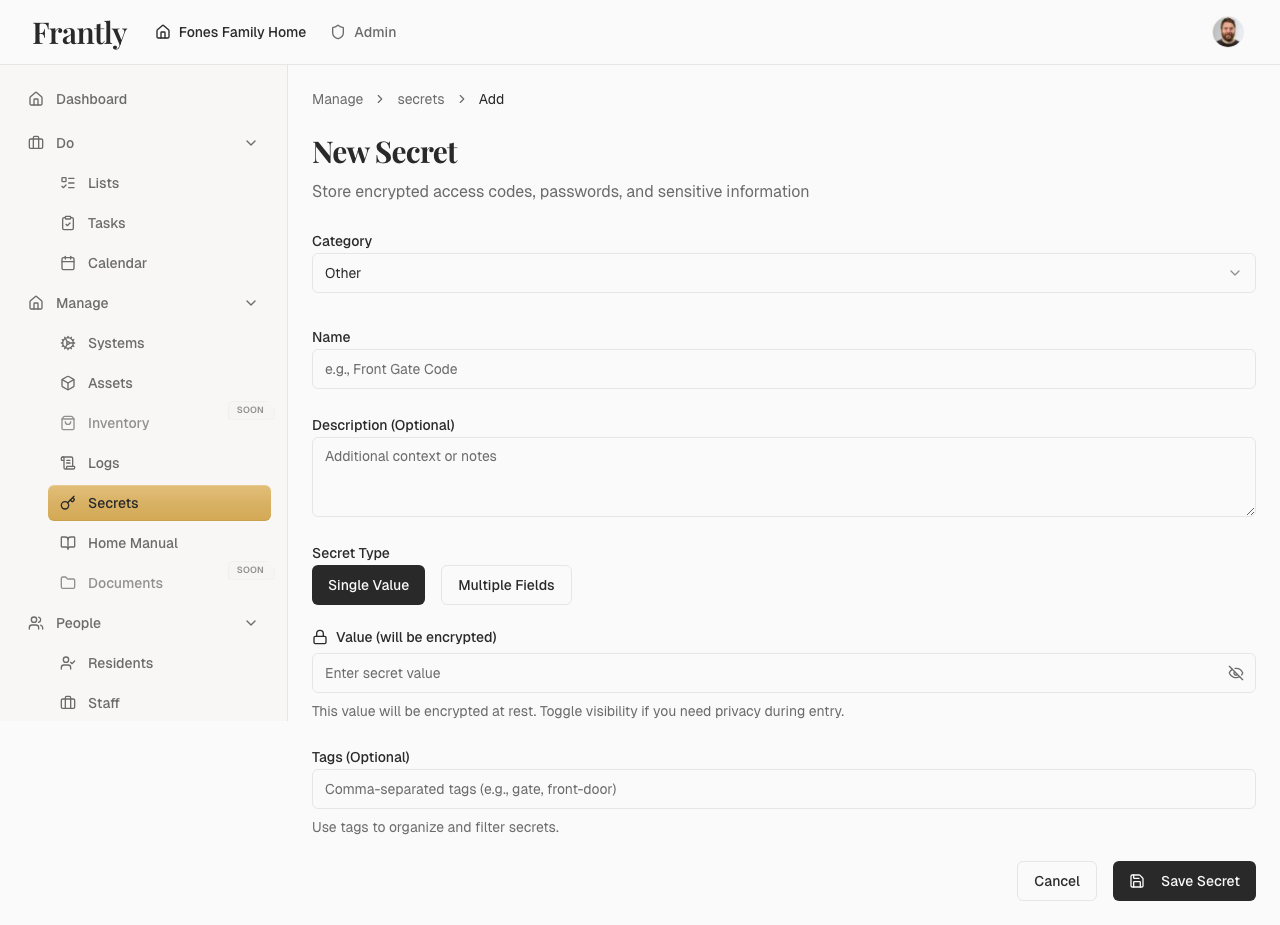
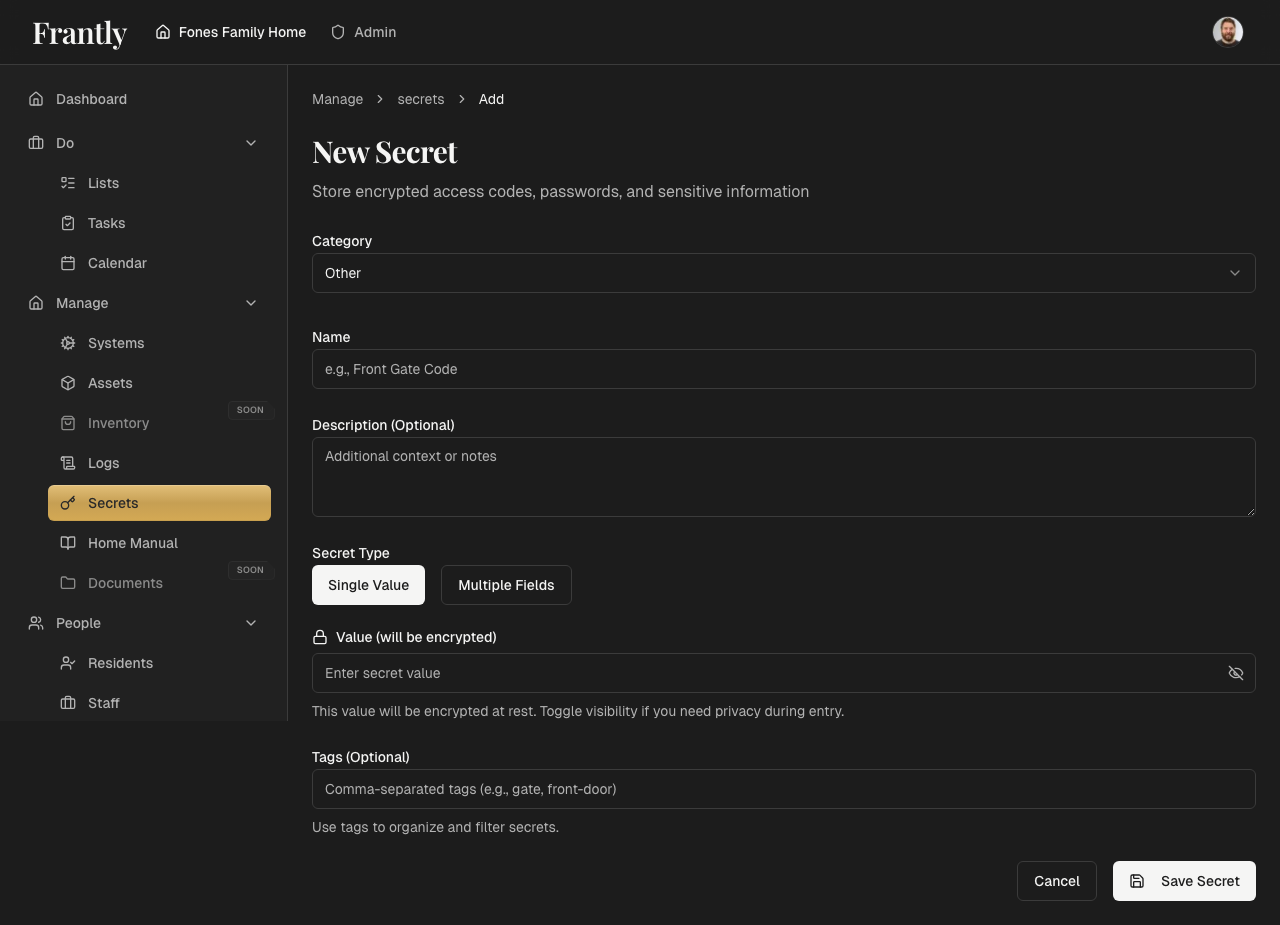
- Enter the information you want to store
- Choose a category (password, access code, etc.)
- Add a name and optional description
- Add tags to help organize it
- Save—your secret is immediately encrypted and stored securely
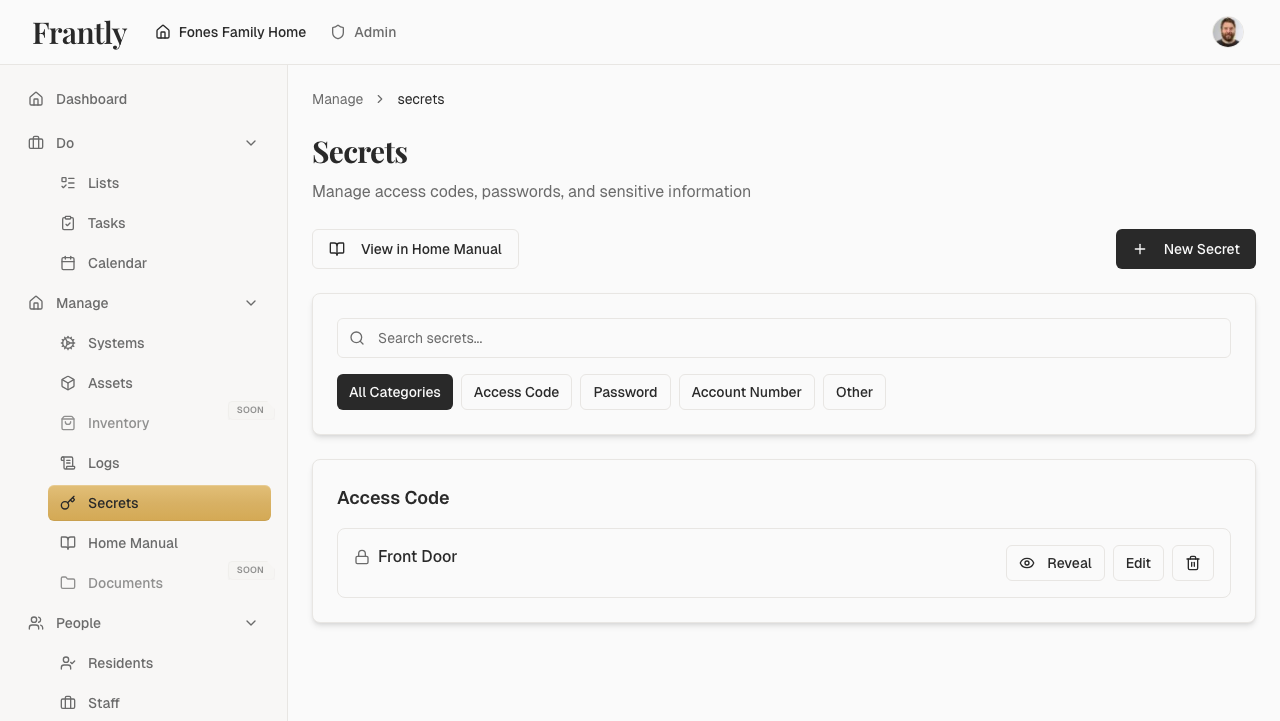
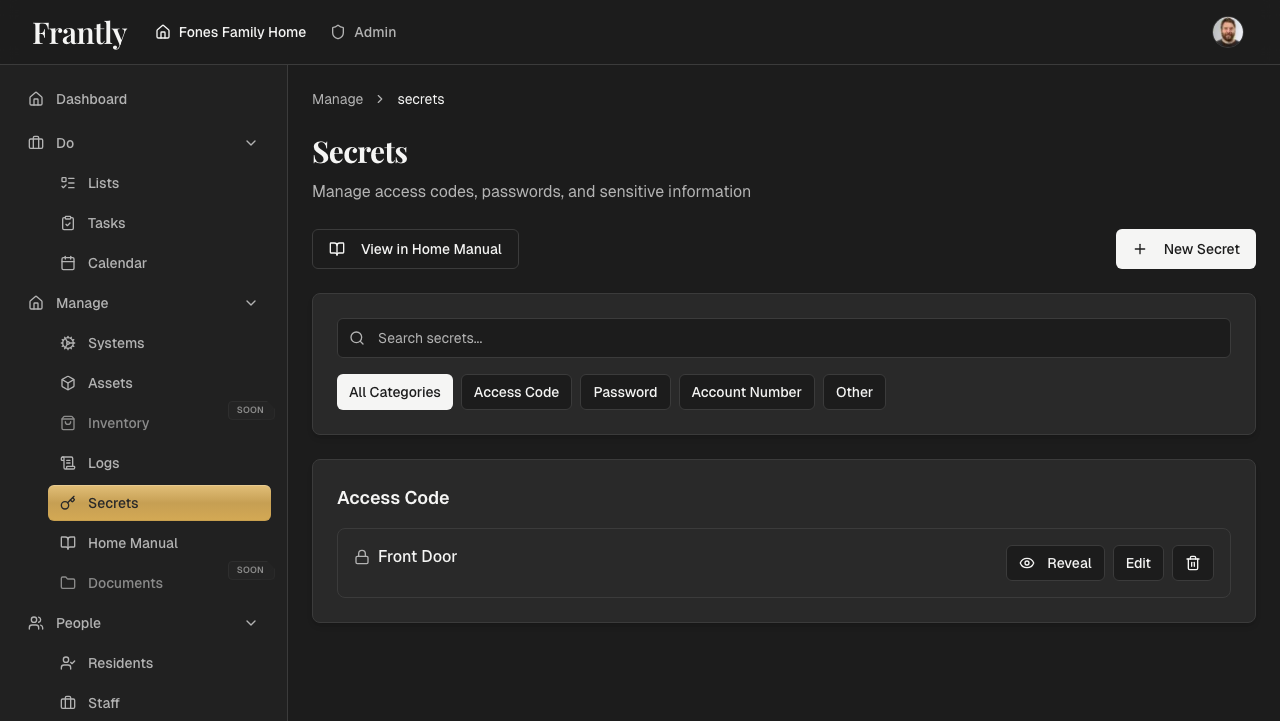
Viewing a Secret
-
Find the secret in your secrets list
-
Click to view it
-
The secret is decrypted securely and shown to you
-
You can copy it or view related information
Important: Secrets are only decrypted when you explicitly request to view them. They're never shown in lists or search results.
Sharing Secrets
Secrets are automatically shared with household members:
- Available to all household members (based on their roles)
- Only members you've invited can access secrets
- You control who can view and manage secrets through household roles
Best Practices
Organizing Secrets
- Use clear names so you can find them easily
- Add descriptions to remember what each secret is for
- Use tags to group related items
- Use the right category for each secret
Security
- Only share secrets with people who need them
- Periodically review who has access to your household
- Use strong passwords for accounts
- Consider keeping a separate backup of critical secrets
What to Store
Good to store:
- Wi-Fi passwords
- Device access codes
- Account passwords (if you prefer digital storage)
- Membership numbers
- Security codes
Consider alternatives:
- Financial account numbers (consider using a dedicated password manager)
- Social Security numbers (only if absolutely necessary)
- Credit card numbers (consider using payment methods that don't require storage)
Privacy Note
Your secrets are protected with multiple layers of security:
- Secure transmission - Secrets are sent over encrypted HTTPS connections (TLS/SSL)
- Server-side encryption - Immediately encrypted using AES-256-GCM encryption before storage
- Unique initialization vectors - Each secret gets its own unique IV, ensuring identical secrets encrypt differently
- Encrypted at rest - Secrets are stored in encrypted form in our database
- Secure key storage - The encryption key is stored securely and is never stored in the database with the encrypted data
- Access control - Only you and authorized household members can decrypt and view secrets
- No plain text storage - Secrets are never stored in readable form