Staff
Manage household staff and employees—people who work for your household and need access to specific information.
What Is Staff?
Staff are people who:
- Work for your household
- Need access to specific information
- Help manage or maintain your home
Inviting Staff
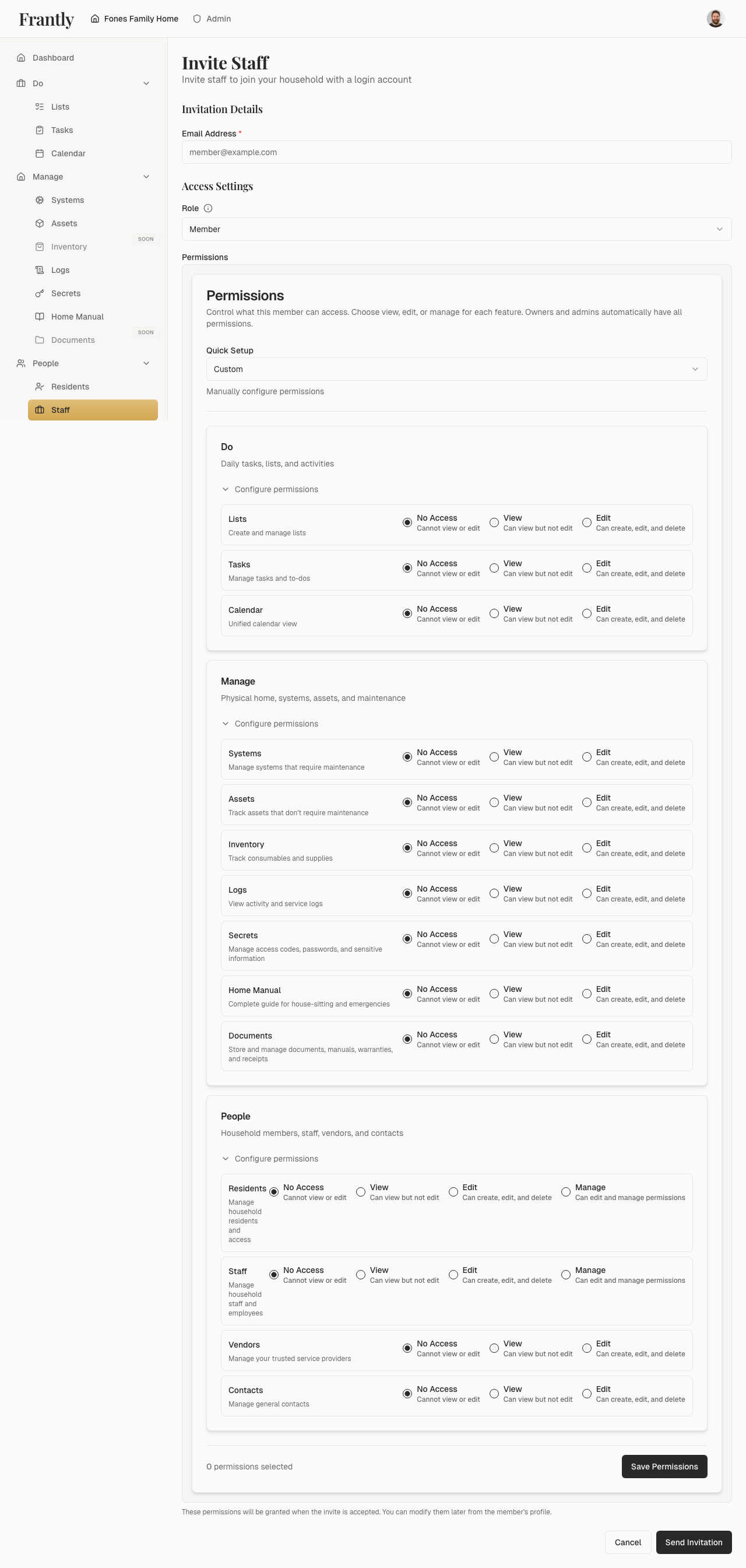
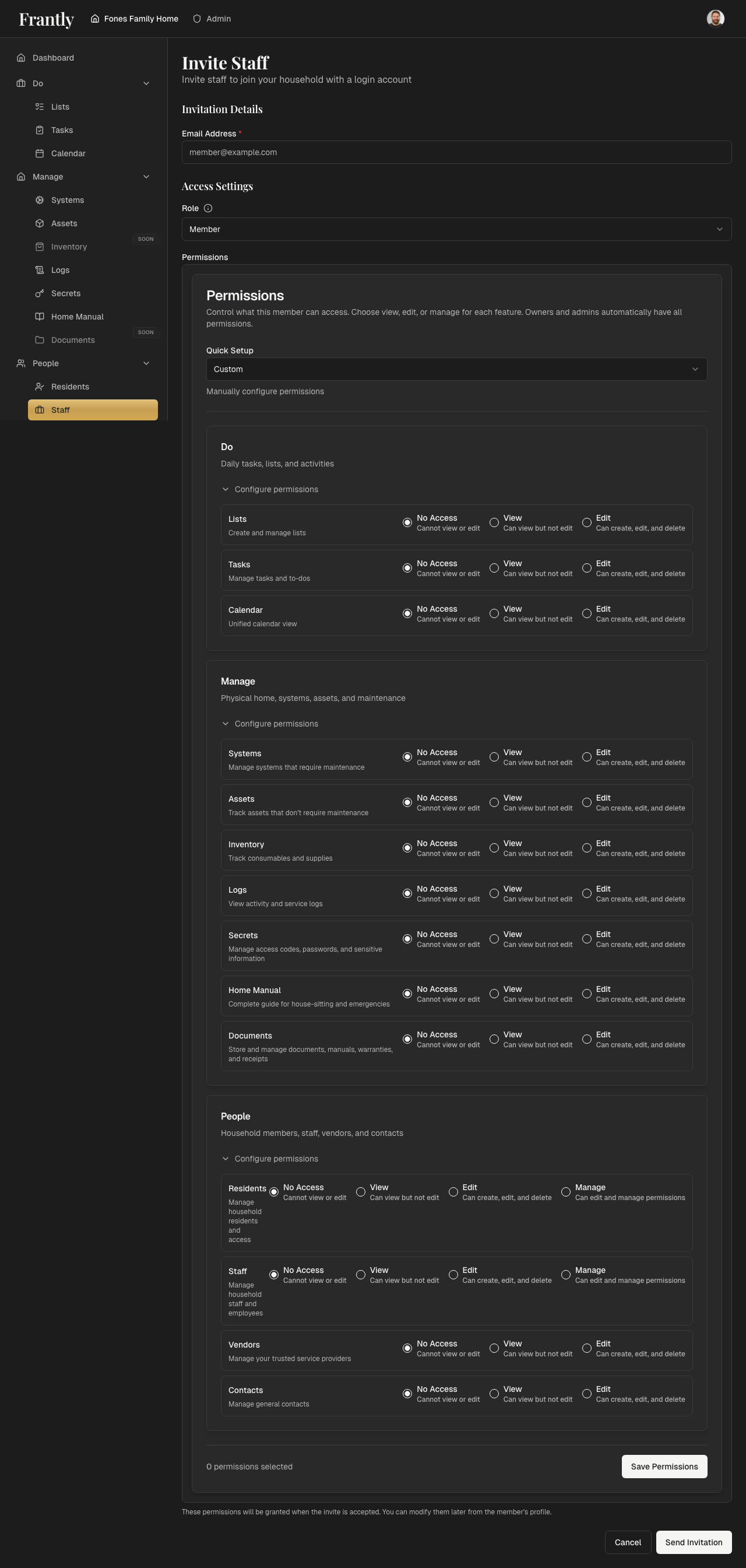
- Go to People → Staff
- Click "Add Member" or "Invite Member"
- Enter the person's email address
- Choose their role:
- Member - Custom permissions you control. Choose what they can view, edit, or manage.
- Admin - Full access to everything. Can manage members, permissions, and all household features.
- If you chose Member, select their permissions:
- Choose a preset (View Only, Editor, Admin, or Custom)
- Or customize permissions for each feature
- See Permissions for details about permission levels
- Click "Send Invitation"
The person receives an email invitation. When they accept it, they'll automatically gain access with the permissions you set. Invitations expire after 7 days.
Note: Staff use the same permission system as residents. You can grant them any combination of permissions based on their role and responsibilities.
Managing Staff
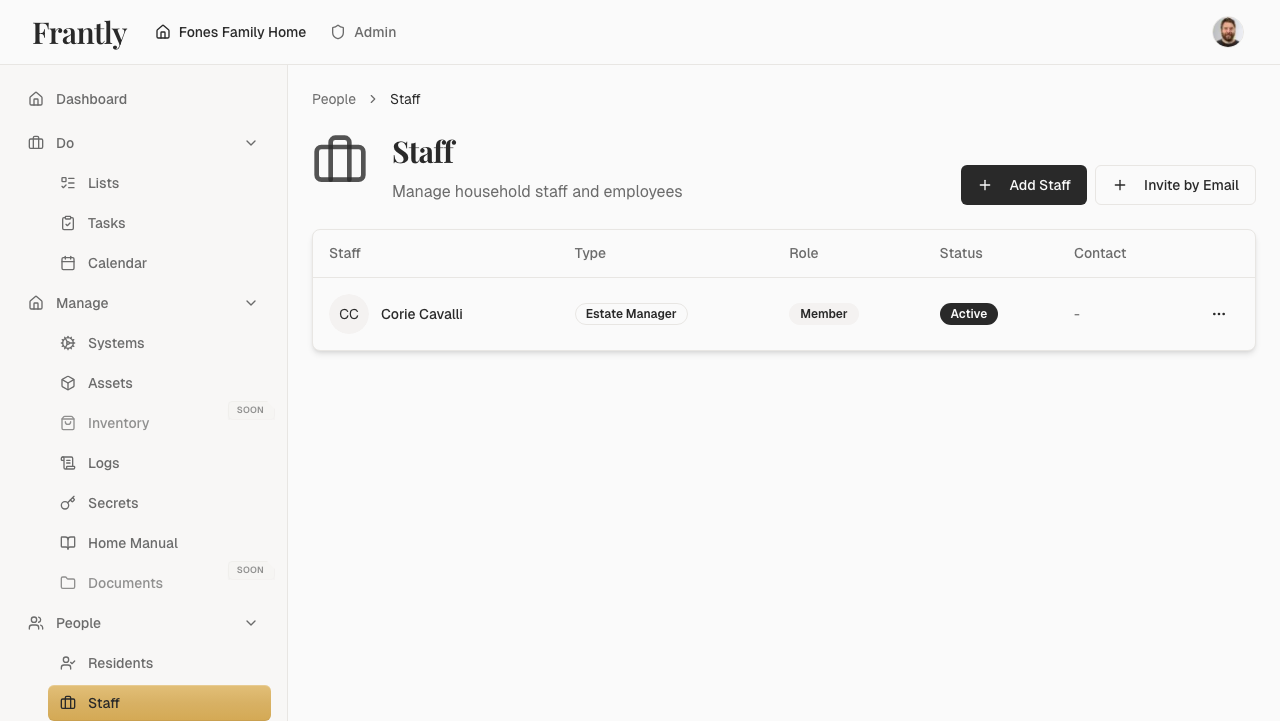
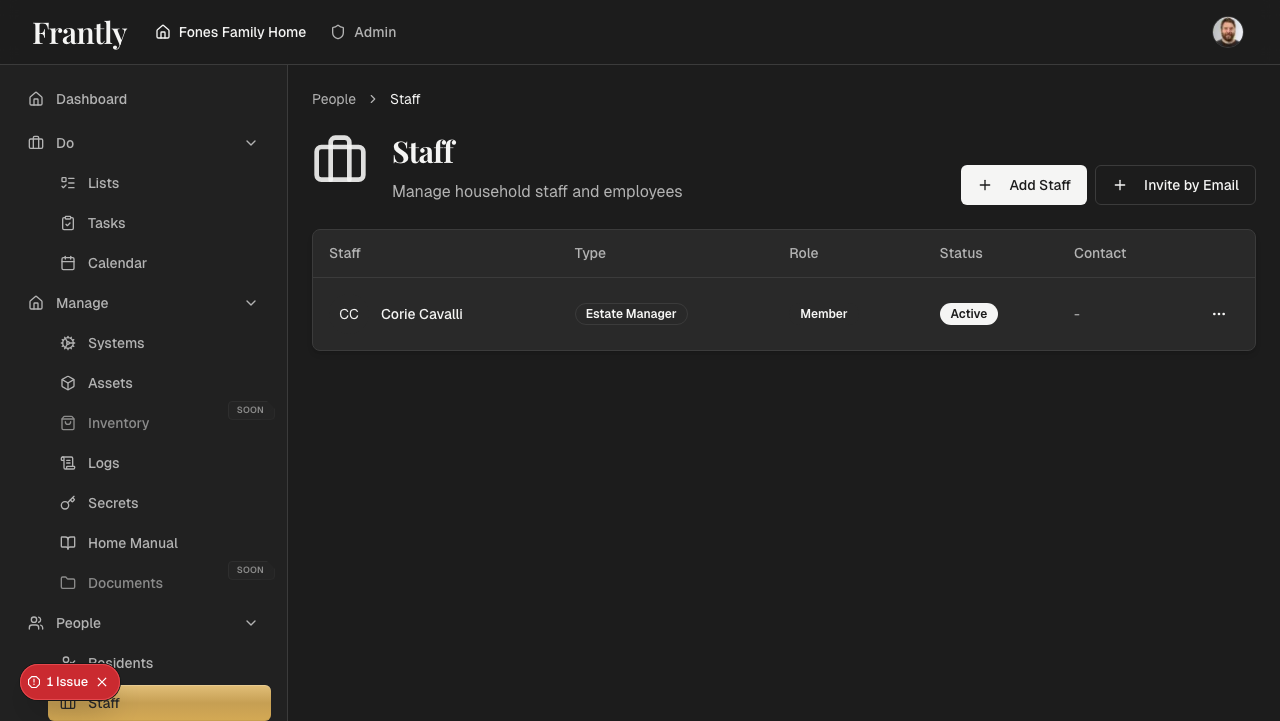
- View all staff - See all staff members
- Edit staff - Update contact information
- Manage permissions - Control what staff can see and do
- Remove staff - Remove staff who no longer work for you
To change a staff member's permissions:
- Find the staff member
- Click their name or edit button
- Go to the Permissions section
- Modify their permissions as needed
- Save your changes
Changes take effect immediately. See Permissions for more information about managing permissions.
Staff Information
For each staff member, you can track:
- Contact information - Name, phone, email
- Role - Job title or responsibilities
- Access permissions - What they can see and do (same permission system as residents)
- Notes - Additional information
Tips
- Keep contact information up to date
- Set appropriate permissions based on what staff need to do
- Start with a permission preset and customize if needed
- Review staff permissions regularly
- Remove staff who no longer work for you
- Remember that staff use the same permission system as residents
- You can always change permissions later if needs change