Systems
Manage systems that require regular maintenance—HVAC, plumbing, electrical, roofing, and other components that need upkeep.
What Are Systems?
Systems are components of your home that require regular maintenance:
- HVAC - Heating, ventilation, and air conditioning systems
- Plumbing - Water systems, pipes, fixtures
- Electrical - Wiring, panels, outlets
- Roofing - Roof, gutters, exterior
- Other systems - Any component that needs regular upkeep
Adding a System
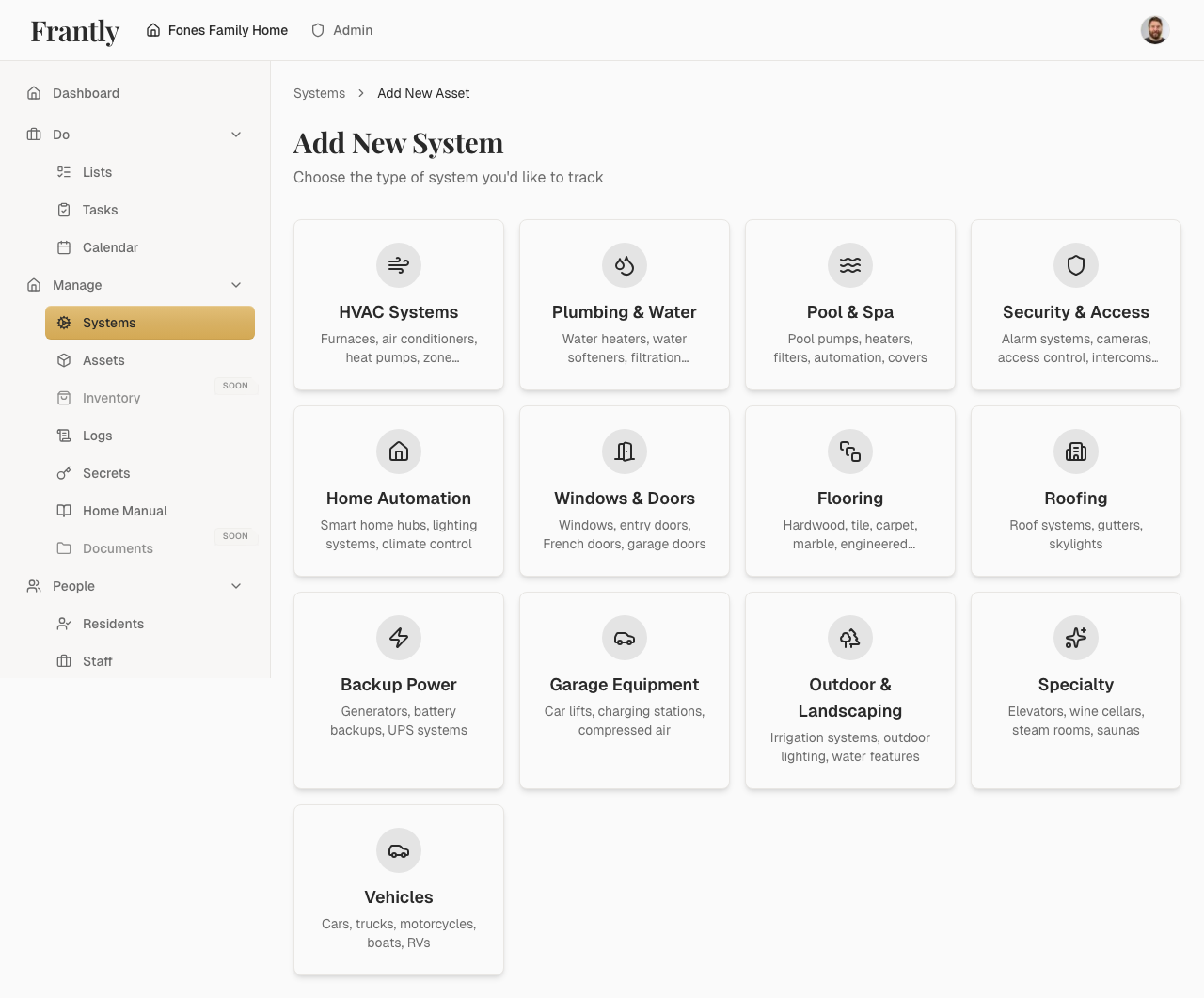
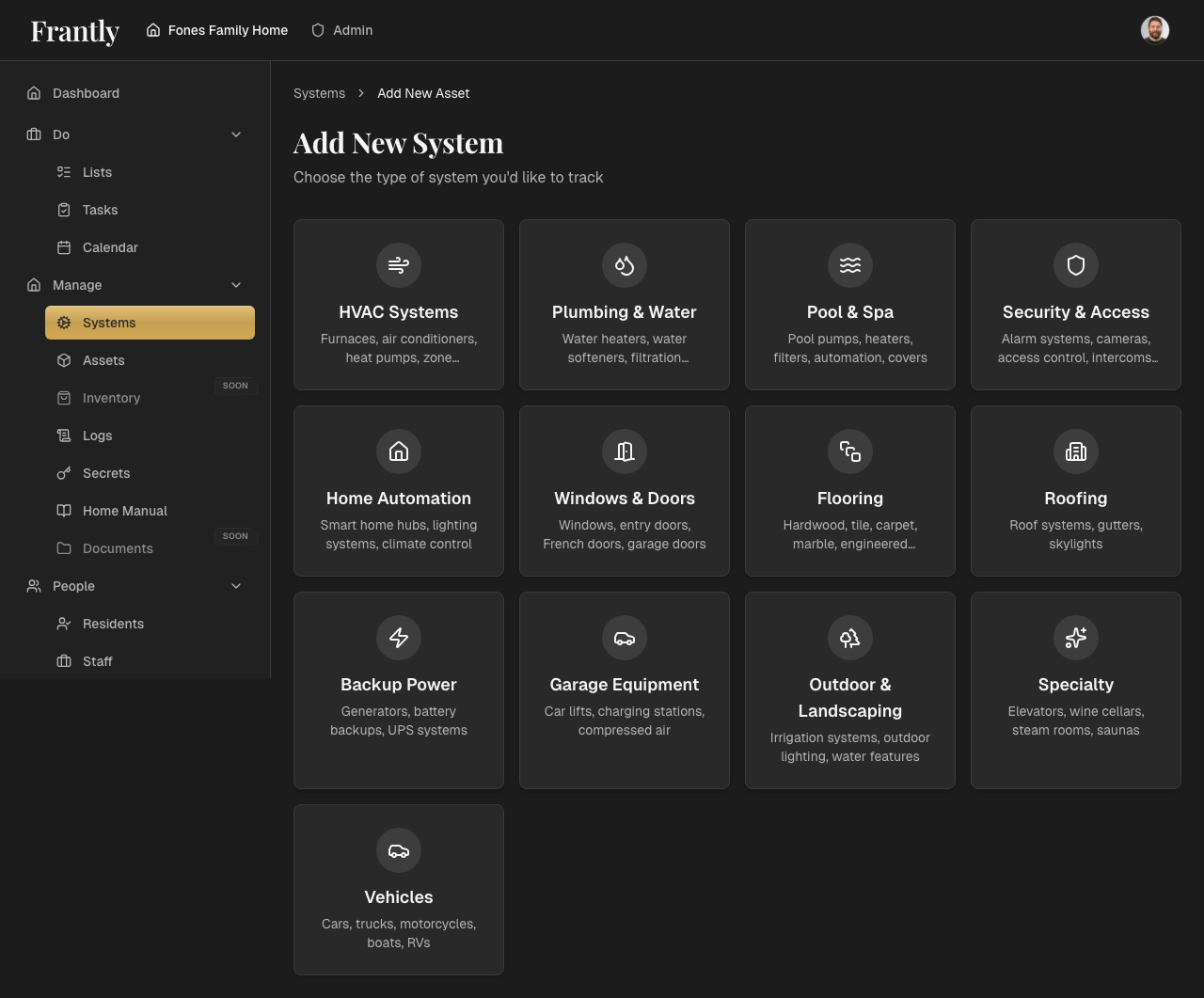
- Go to Manage → Systems
- Click "Add System" or "New System"
- Enter system details:
- Name (e.g., "Main HVAC Unit")
- Category (HVAC, Plumbing, Electrical, etc.)
- Location
- Model number and specifications
- Add photos or documents (optional)
- Save your system
Managing Systems
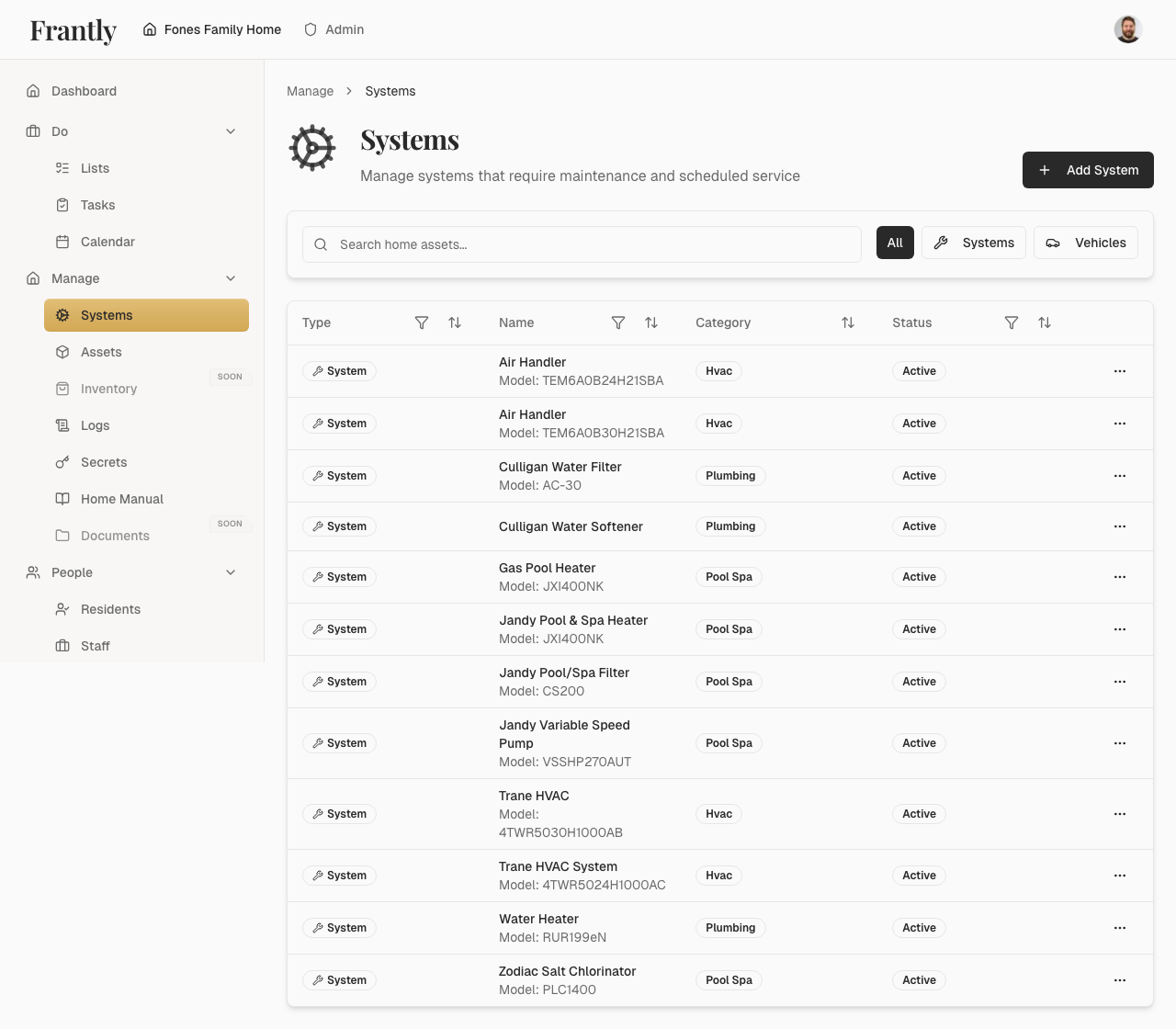
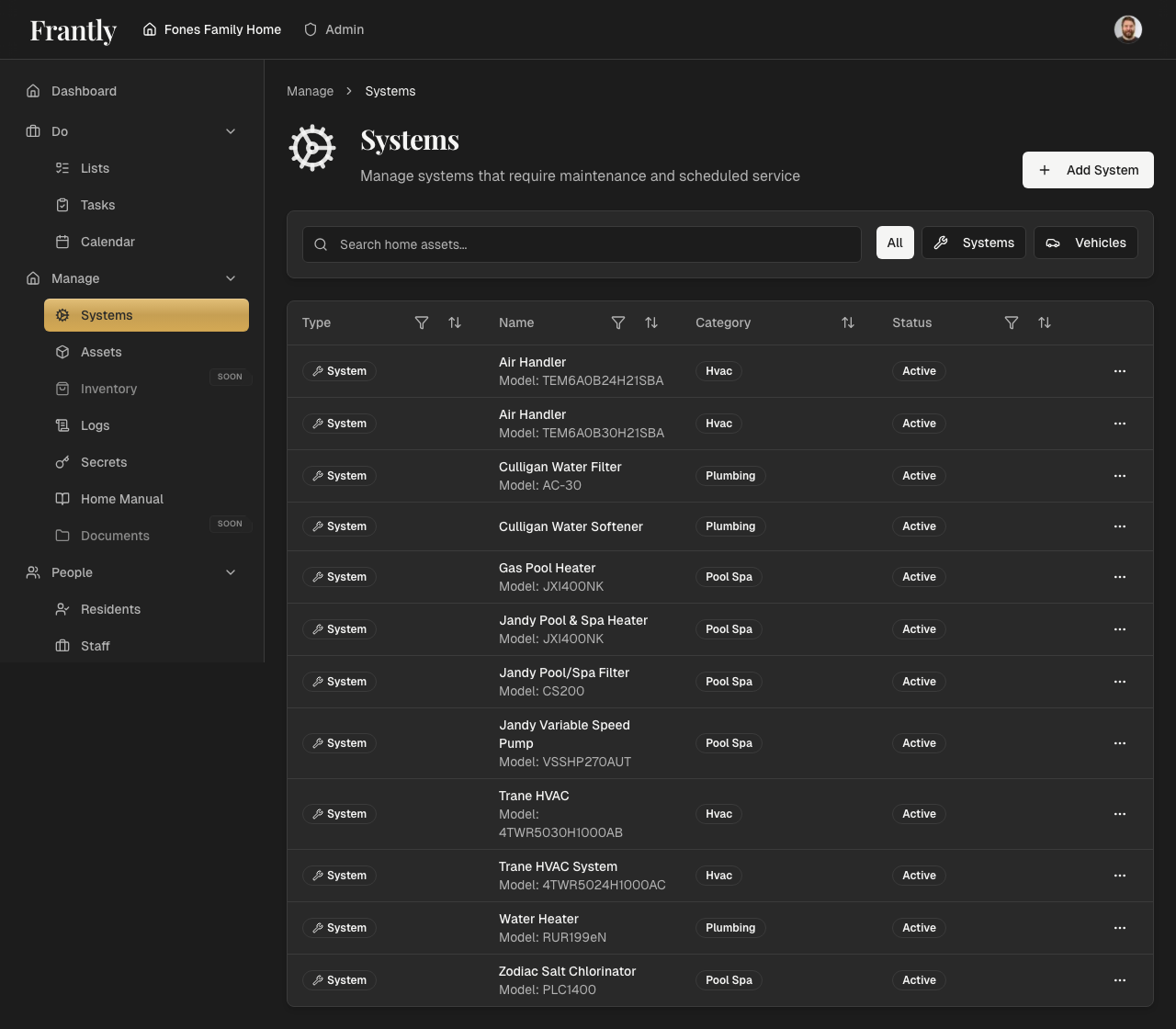
- View all systems - See all systems in your home
- Filter by category - Focus on specific types of systems
- Edit systems - Update system information
- Link maintenance - Connect systems to maintenance schedules
- Link vendors - Connect systems to service providers
System Information
For each system, you can track:
- Basic details - Name, category, location
- Specifications - Model numbers, serial numbers, installation date
- Maintenance schedules - When maintenance is due
- Service history - Past maintenance work
- Vendors - Who services the system
- Documents - Manuals, warranties, service records
Tips
- Start with your most important systems
- Add photos to help identify systems
- Link systems to maintenance schedules
- Keep vendor information up to date
- Track service history for reference
Next: Learn about assets →