Logs
View activity and service logs for your household—see what's been done, who did it, and when.
Activity Logs

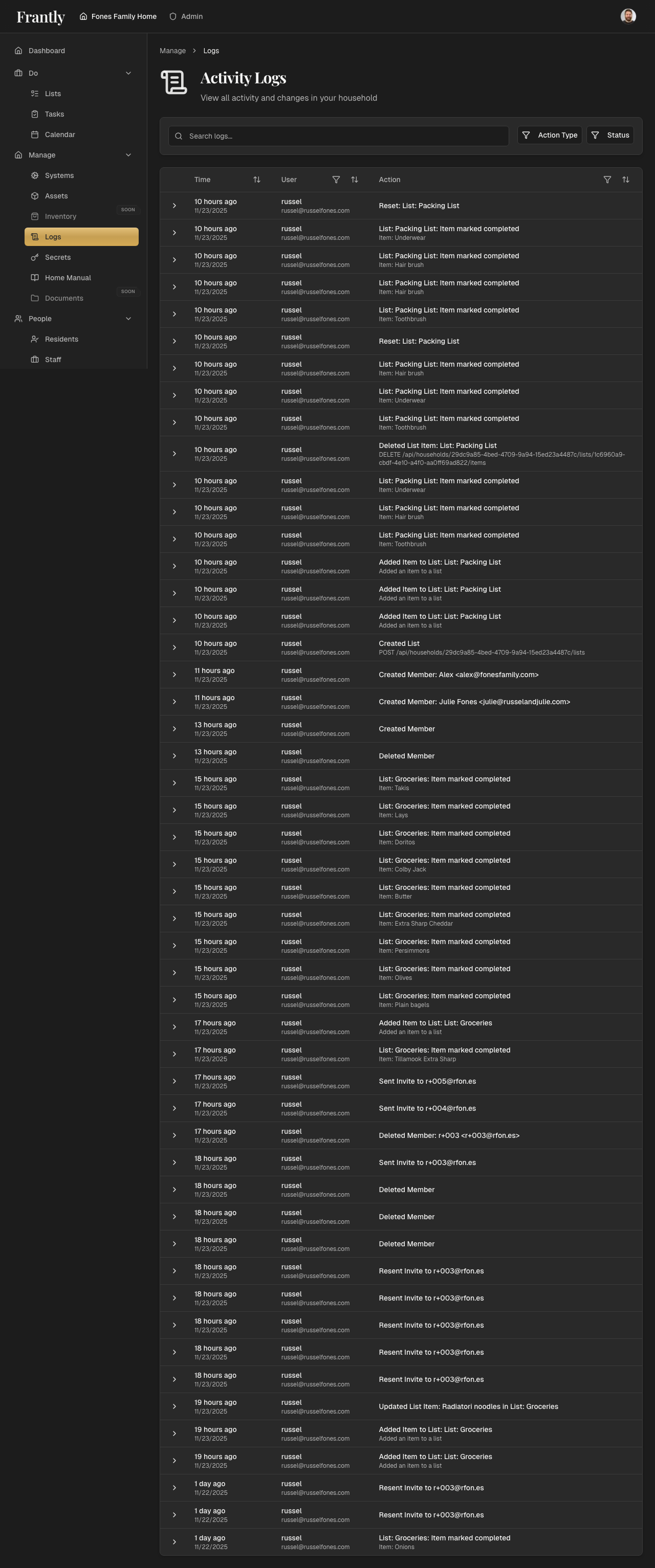
See what's happening in your household:
- Recent activity - What's been done recently
- Changes - Updates to systems, assets, and information
- Who did what - See which household members made changes
- When - Timestamps for all activity
Service Logs
Track service and maintenance work:
- Maintenance records - Work completed on systems
- Vendor visits - Service provider activity
- Service history - Past work and repairs
- Costs - Service expenses (if applicable)
Filtering Logs
- By type - Activity, maintenance, or service logs
- By person - See what specific people did
- By date - Focus on specific time periods
- By system - See activity for specific systems
Tips
- Review logs regularly
- Use logs to track maintenance history
- See who's been active in your household
- Keep records for reference
- Export logs if needed
Next: Learn about systems →