Assets
Track assets that don't require regular maintenance—appliances, furniture, electronics, equipment, and other items in your home.
What Are Assets?
Assets are items in your home that don't require regular maintenance:
- Appliances - Refrigerators, washers, dryers, dishwashers
- Furniture - Tables, chairs, sofas, decor
- Electronics - TVs, computers, smart devices
- Equipment - Tools, generators, other equipment
- Other items - Anything you want to track
Adding an Asset
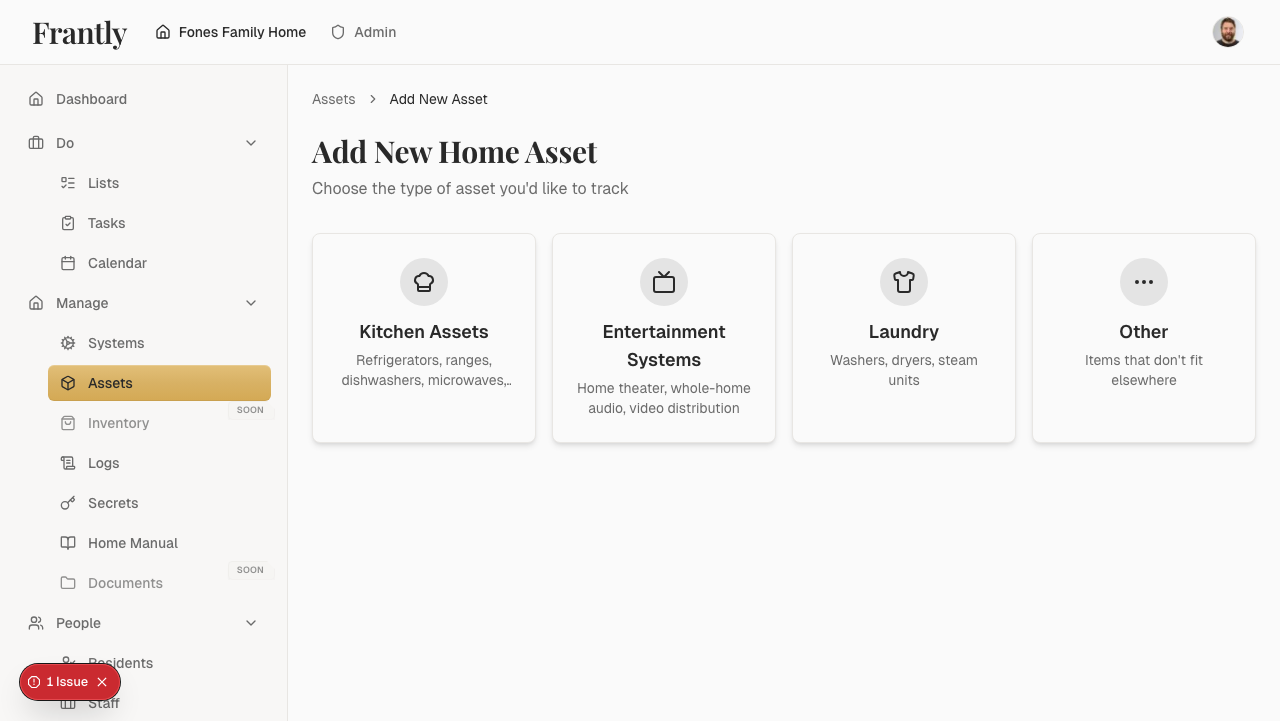
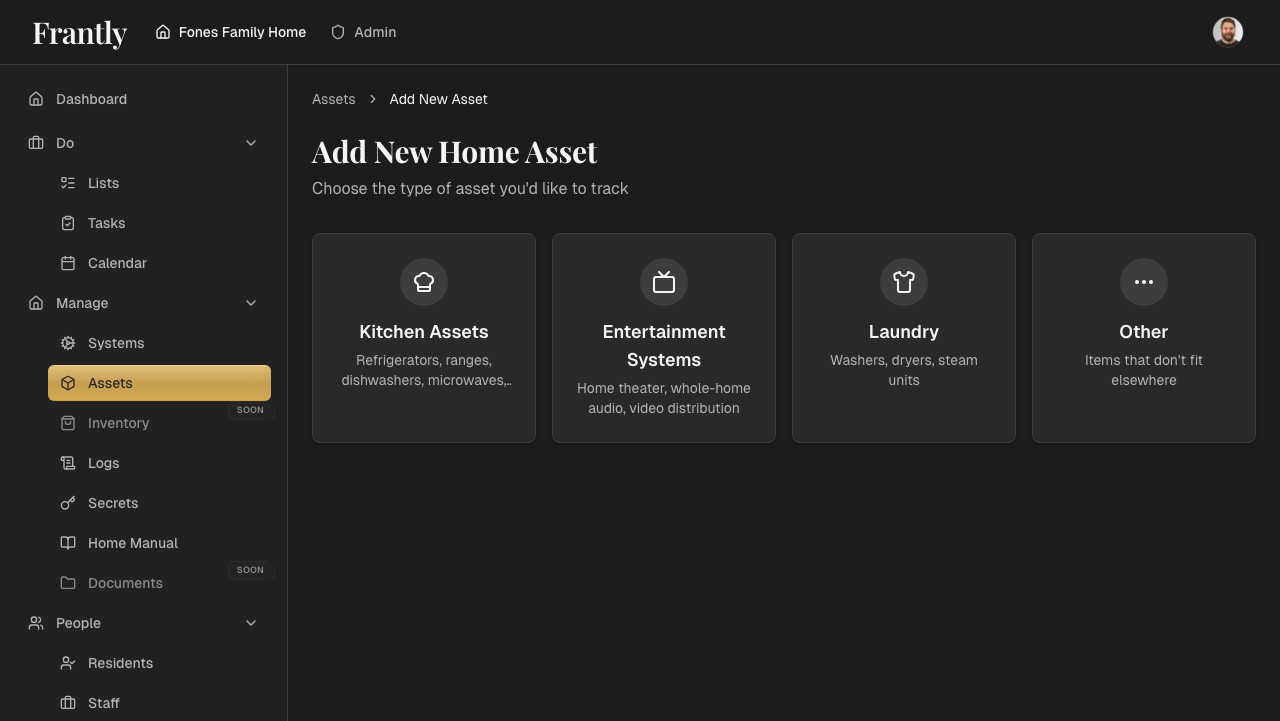
- Go to Manage → Assets
- Click "Add Asset" or "New Asset"
- Enter asset details:
- Name (e.g., "Kitchen Refrigerator")
- Category (Appliances, Furniture, Electronics, etc.)
- Location
- Model number and purchase date (optional)
- Add photos (optional)
- Save your asset
Managing Assets
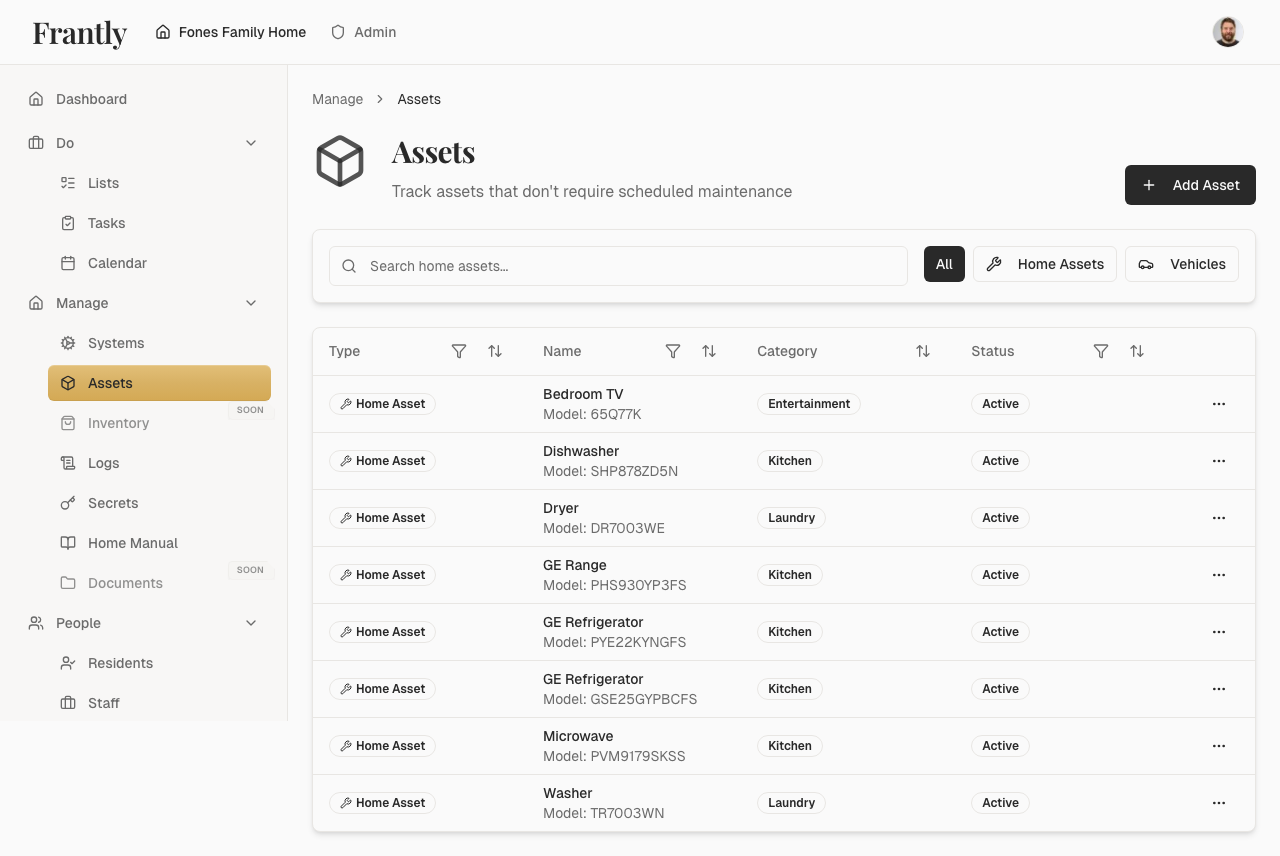
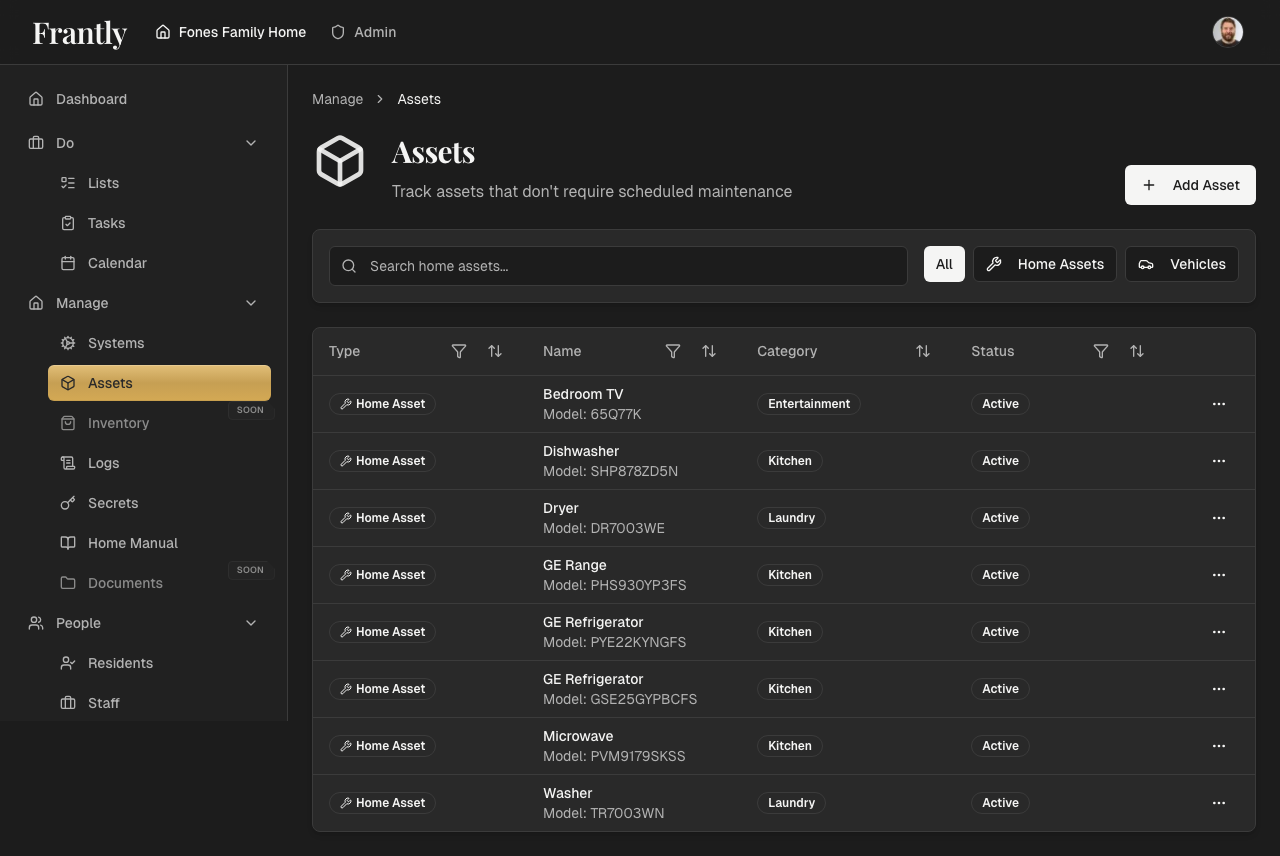
- View all assets - See all assets in your home
- Filter by category - Focus on specific types of assets
- Edit assets - Update asset information
- Organize by location - See what's where
- Search assets - Find assets quickly
Asset Information
For each asset, you can track:
- Basic details - Name, category, location
- Purchase information - Purchase date, price, receipt
- Specifications - Model numbers, serial numbers
- Warranty - Warranty information and expiration
- Photos - Visual reference for identification
- Documents - Receipts, warranties, manuals
Tips
- Add photos to help identify assets
- Organize assets by category or location
- Keep purchase information for insurance
- Track warranty expiration dates
- Update information as things change
Next: Learn about home care →