Quick Tour
Get started with Frantly in five simple steps.
1. Add Your Assets
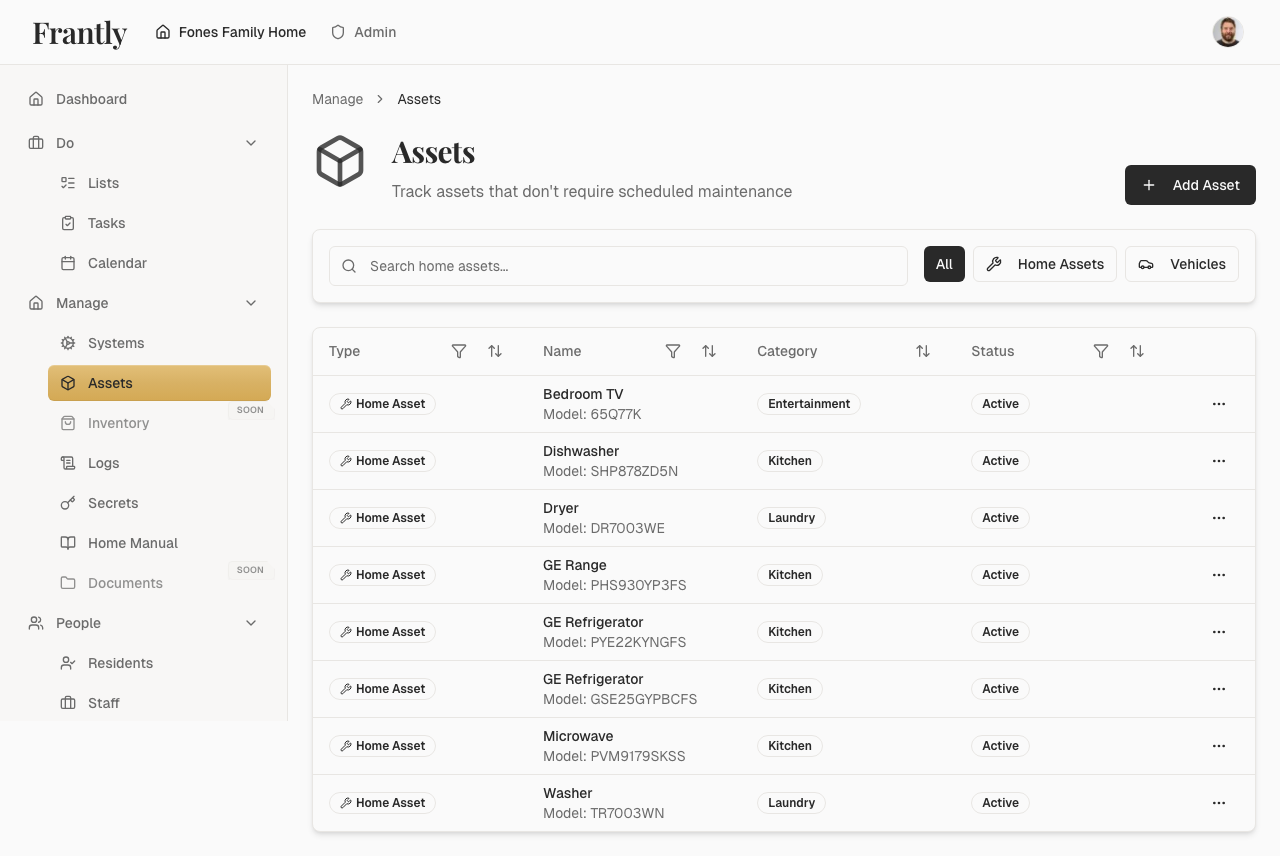
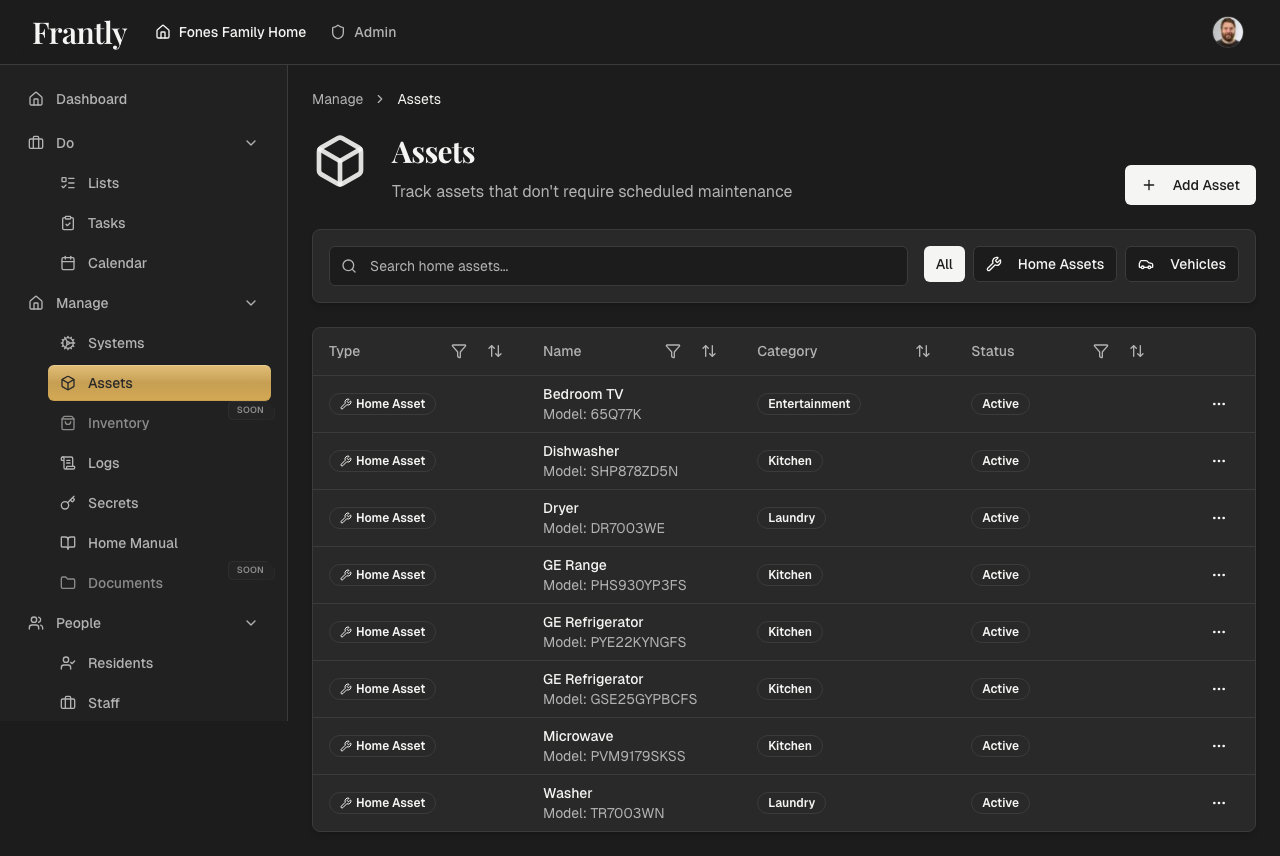
Track what you own—appliances, furniture, electronics, and equipment. Add photos, model numbers, and purchase dates for easy reference.
Go to: Manage → Assets → Add Asset
2. Set Up Maintenance Schedules
Never miss important maintenance. Set up recurring schedules for your systems—HVAC filters every 3 months, plumbing inspections annually, and more.
Go to: Manage → Home Care → Create Schedule
3. Create Tasks
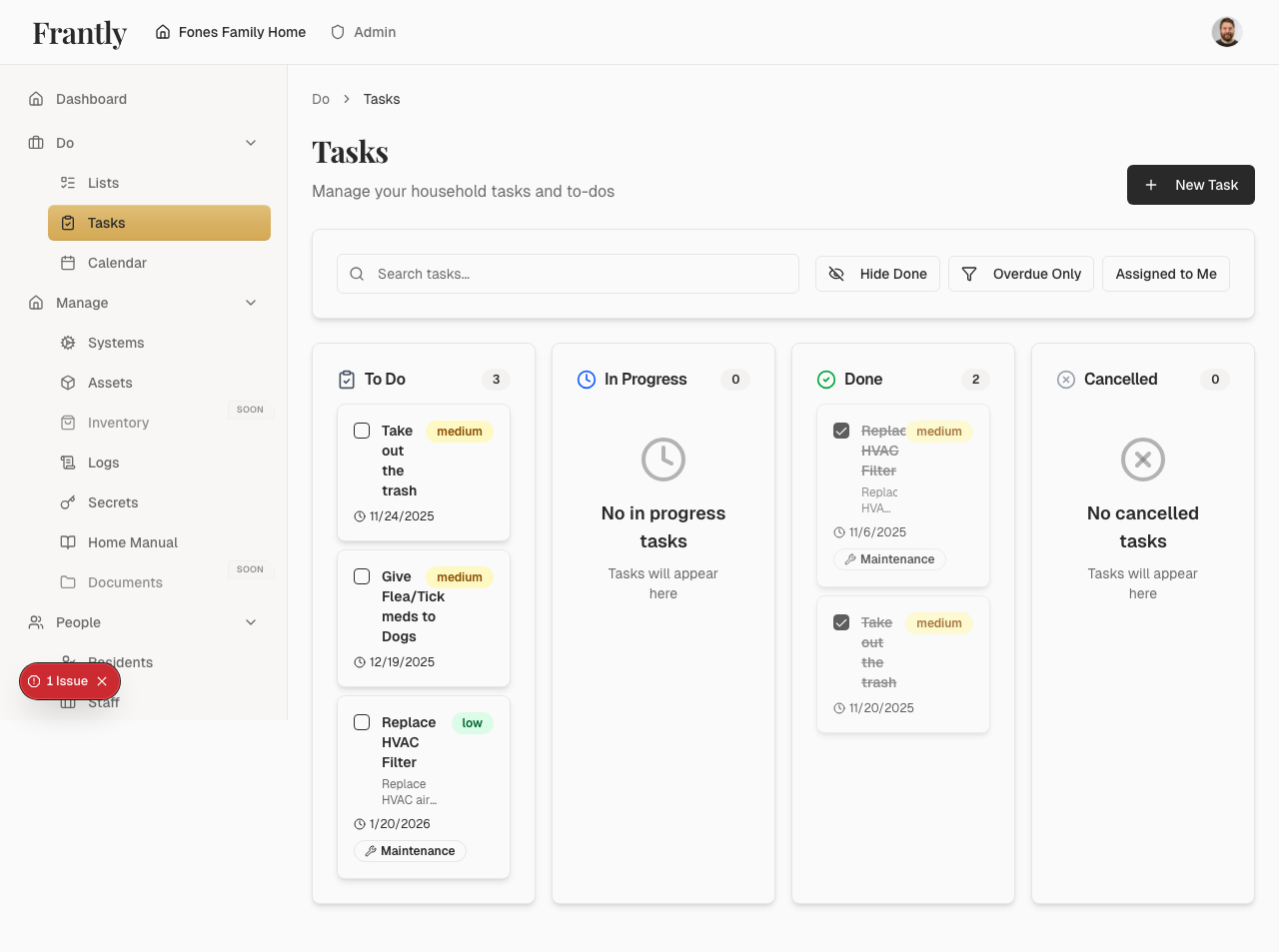
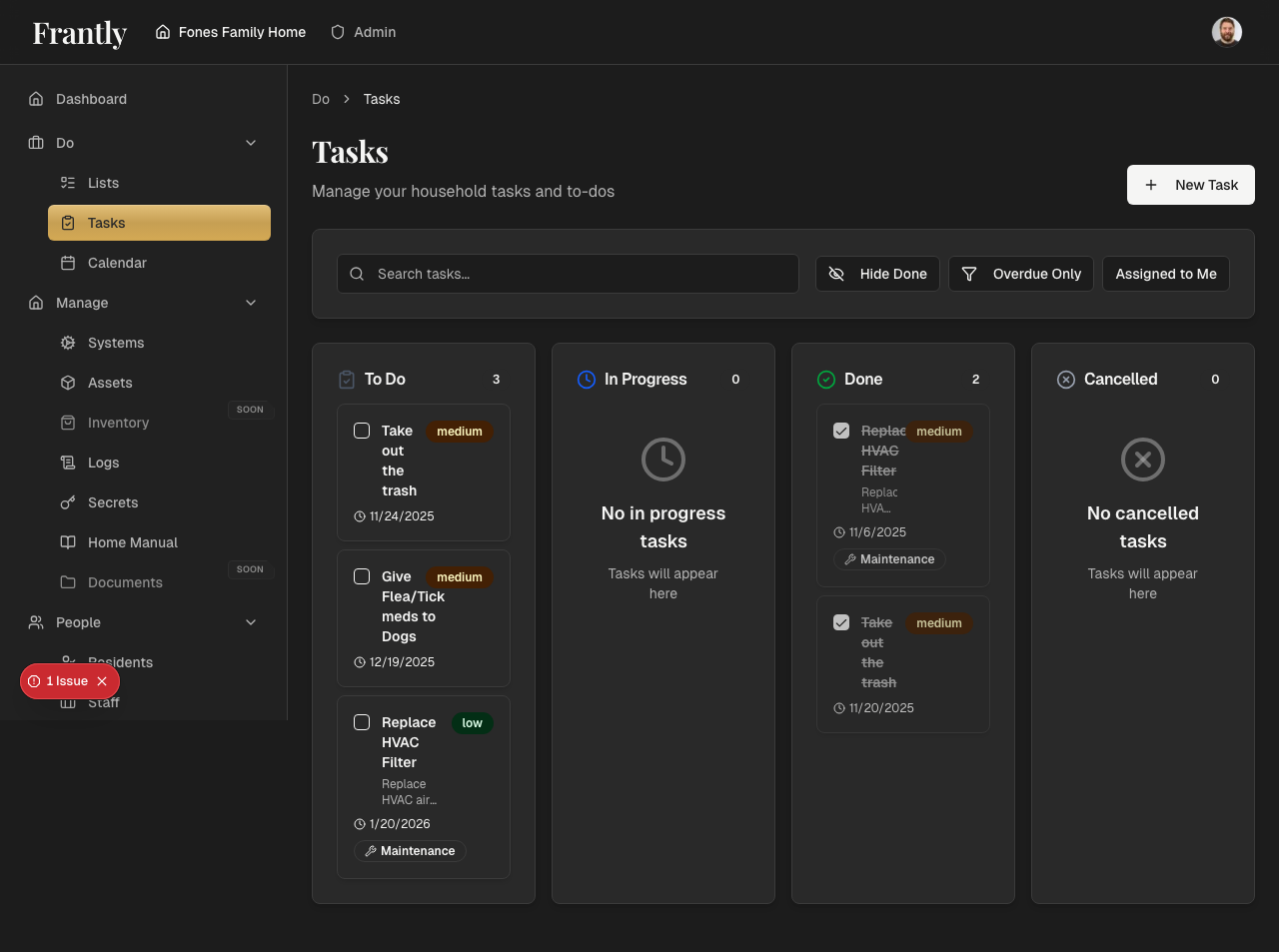
Stay organized with tasks. Create tasks for yourself or assign them to household members. Set due dates and priorities to keep everything on track.
Go to: Do → Tasks → New Task
4. Create Shopping Lists
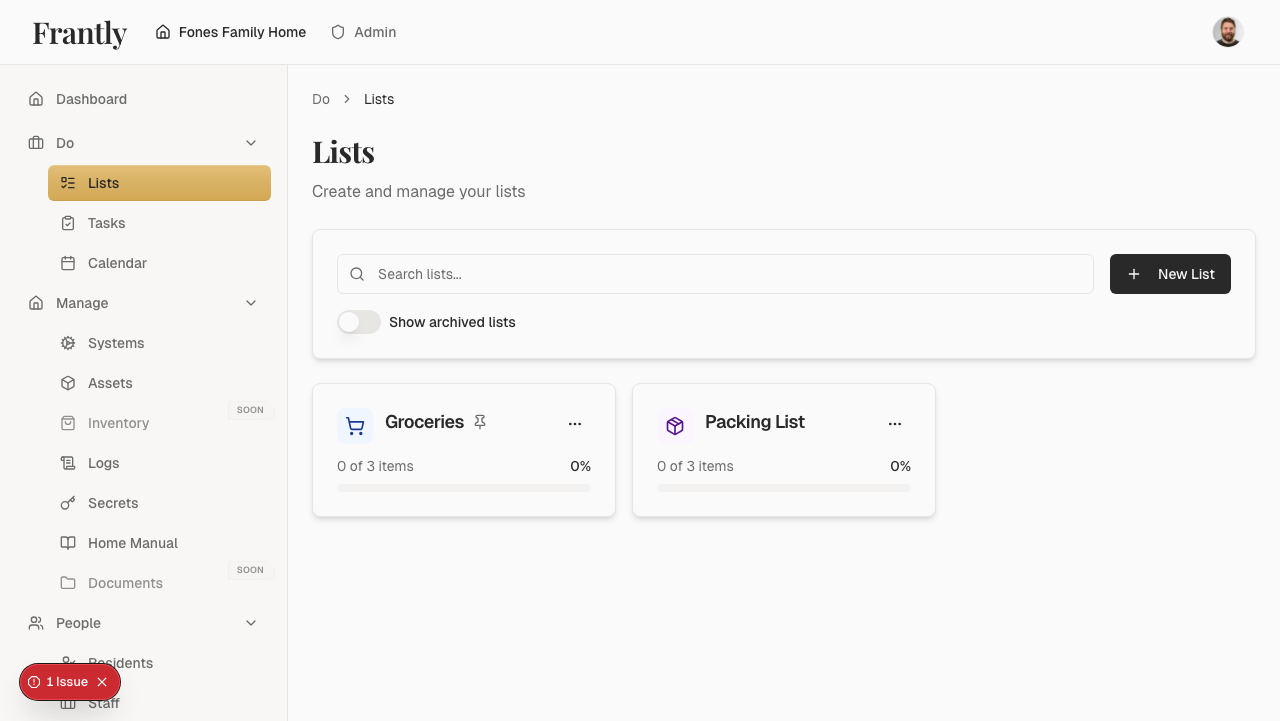
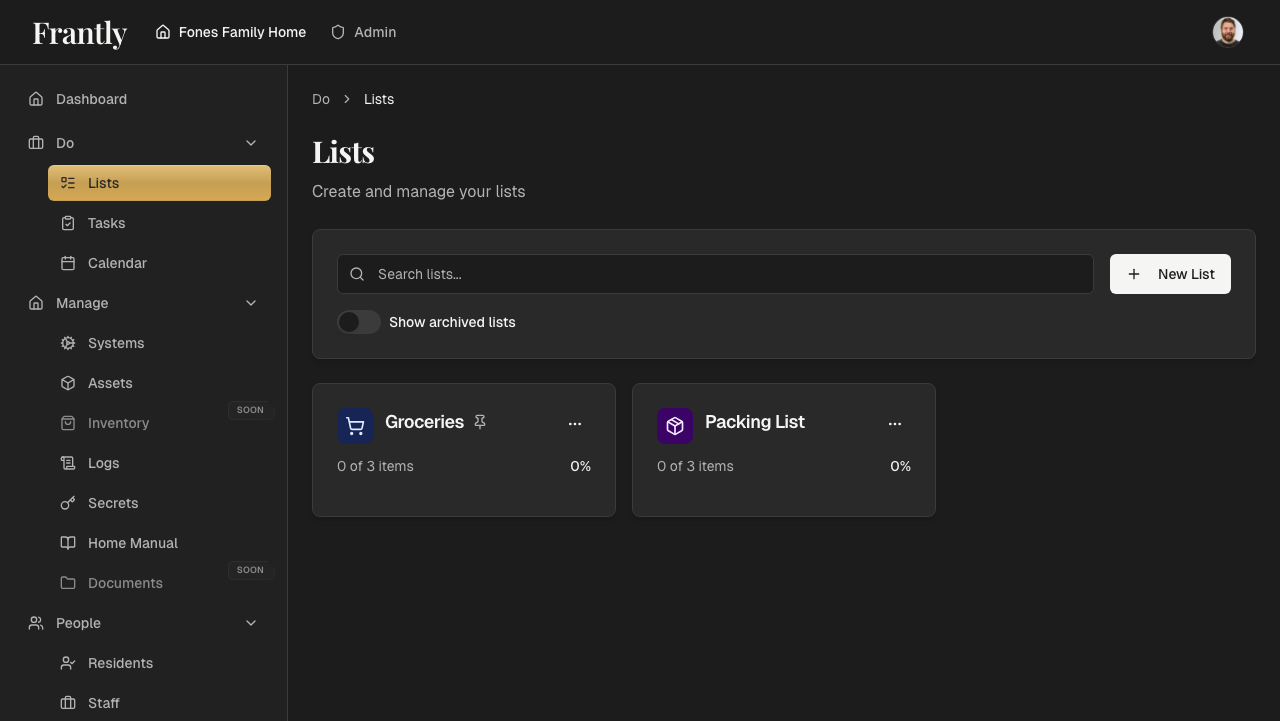
Create shopping lists for groceries, supplies, or anything you need. Share lists with household members so everyone can contribute.
Go to: Do → Lists → New List
5. Invite Your Family or Staff
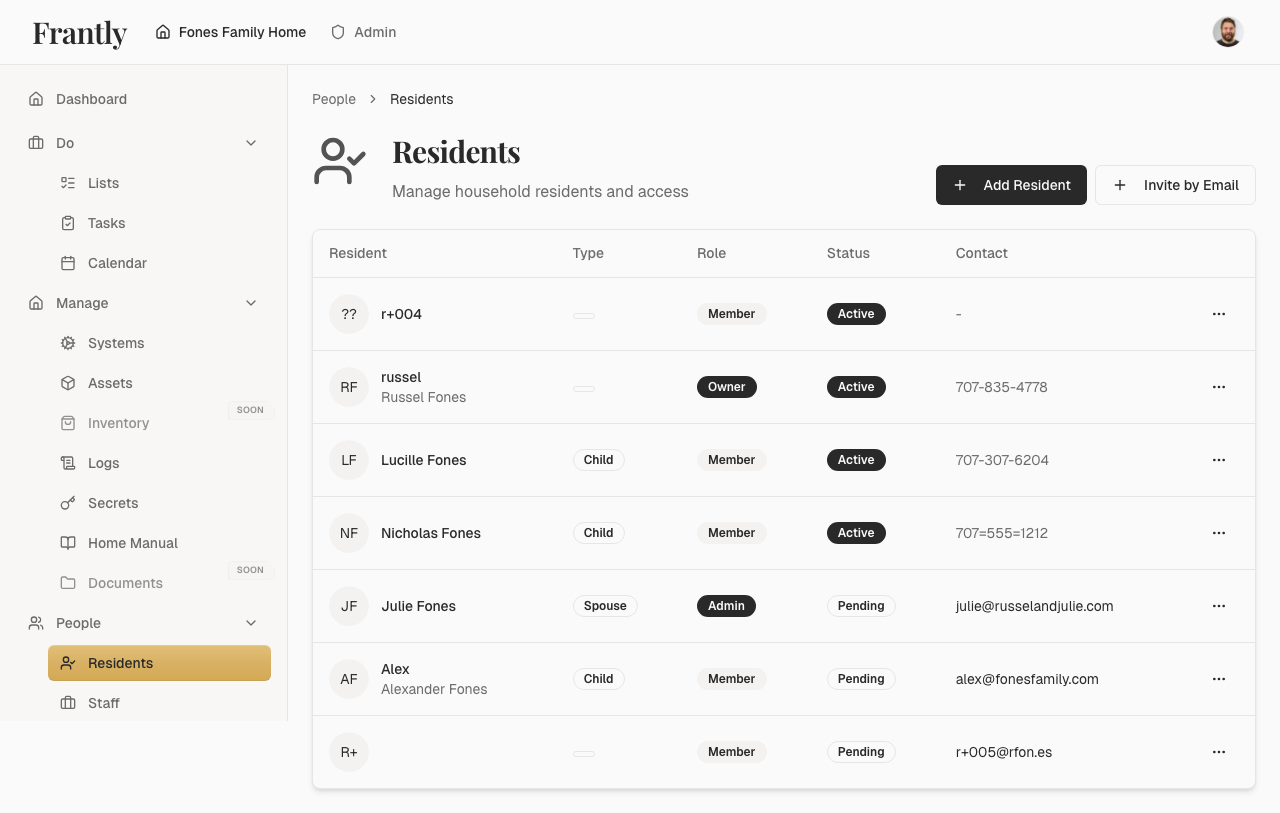
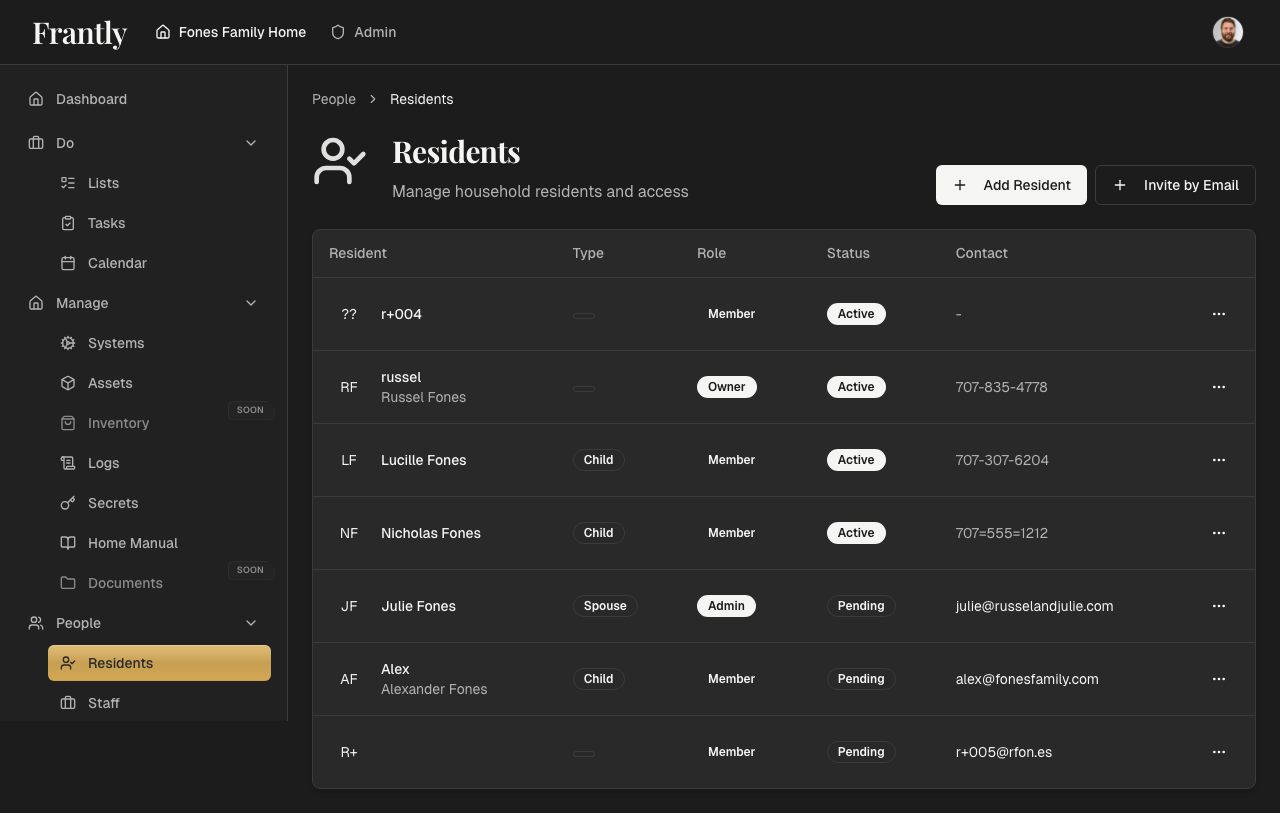
Give people access to what they need. Invite family members, staff, or other residents. Control what each person can see and do with roles and permissions.
Go to: People → Residents → Add Member