Creating Your First Household
A household represents your home or property. You can manage multiple households from one account—perfect for your primary residence, vacation homes, or rental properties.
Step-by-Step Guide
When you first sign in, you'll be guided through creating your first household. Follow these steps:
1. Basic Information
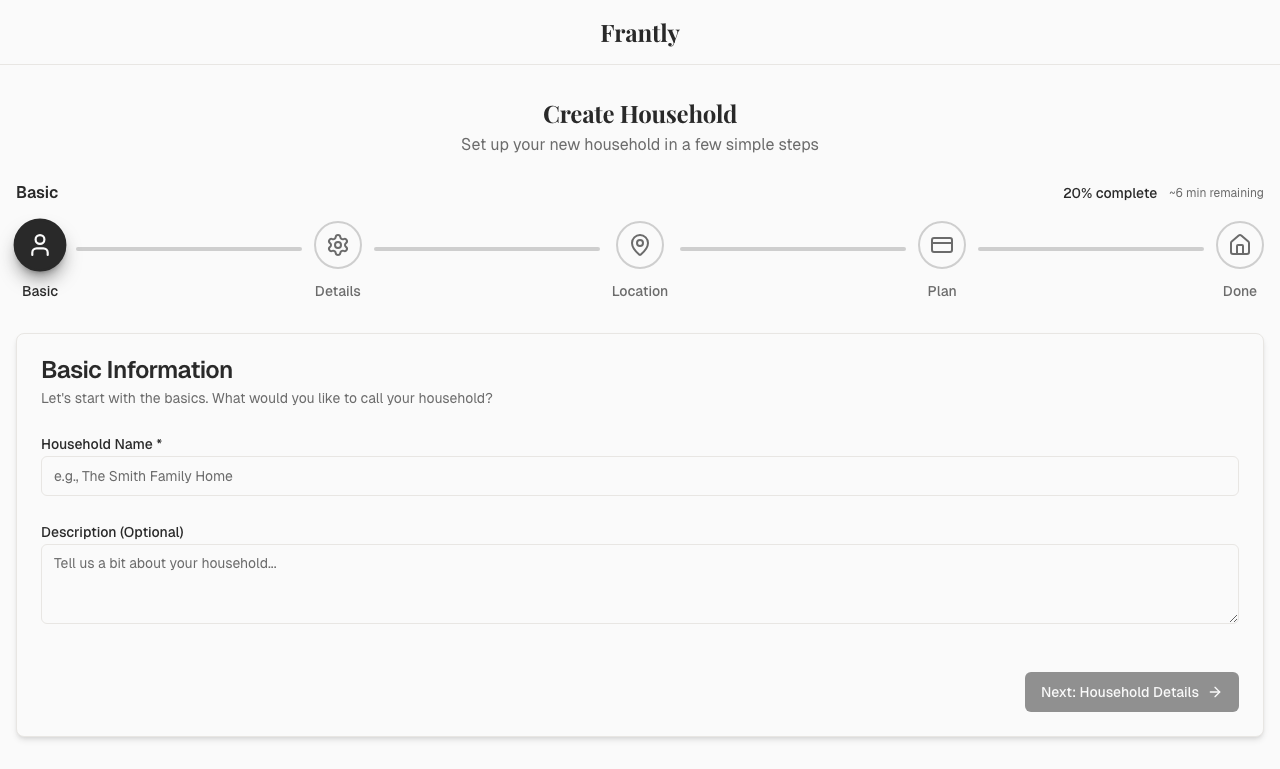
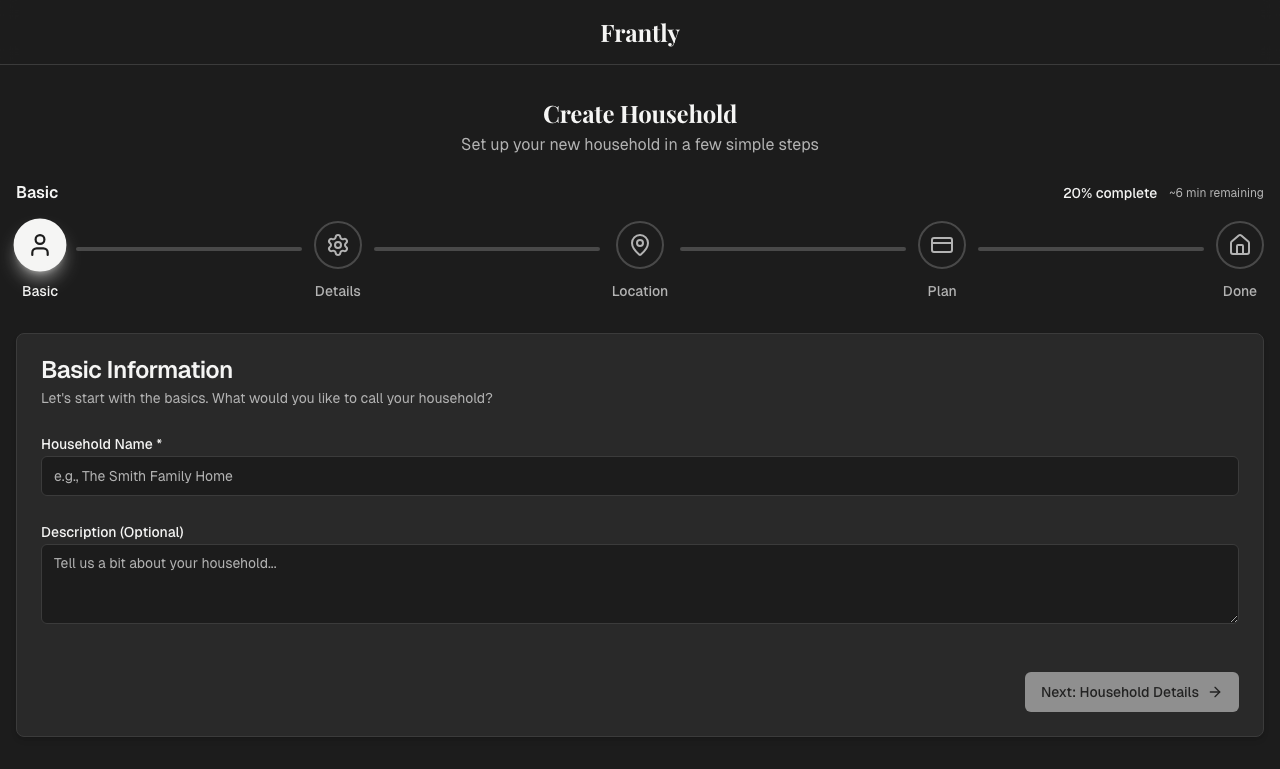
- Household Name - Name your household (e.g., "Main Residence", "Beach House")
- Description - Optional description
2. Household Details
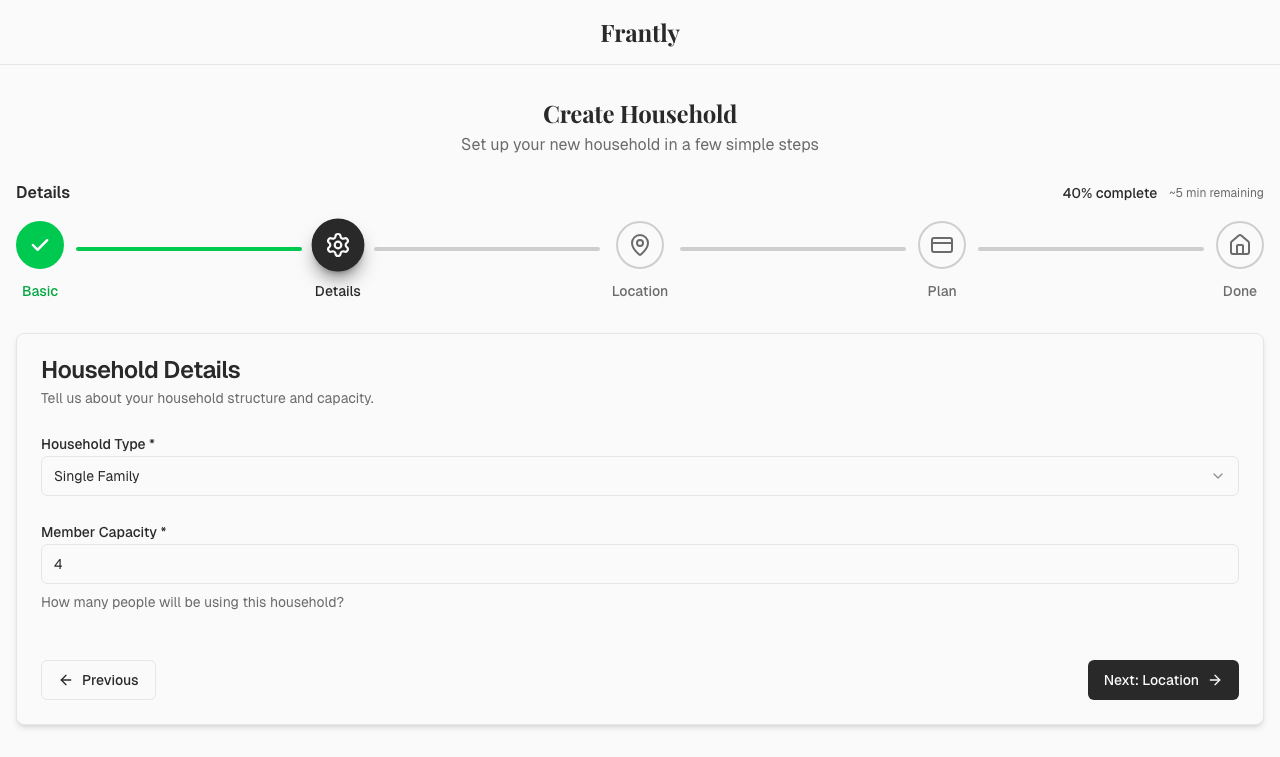
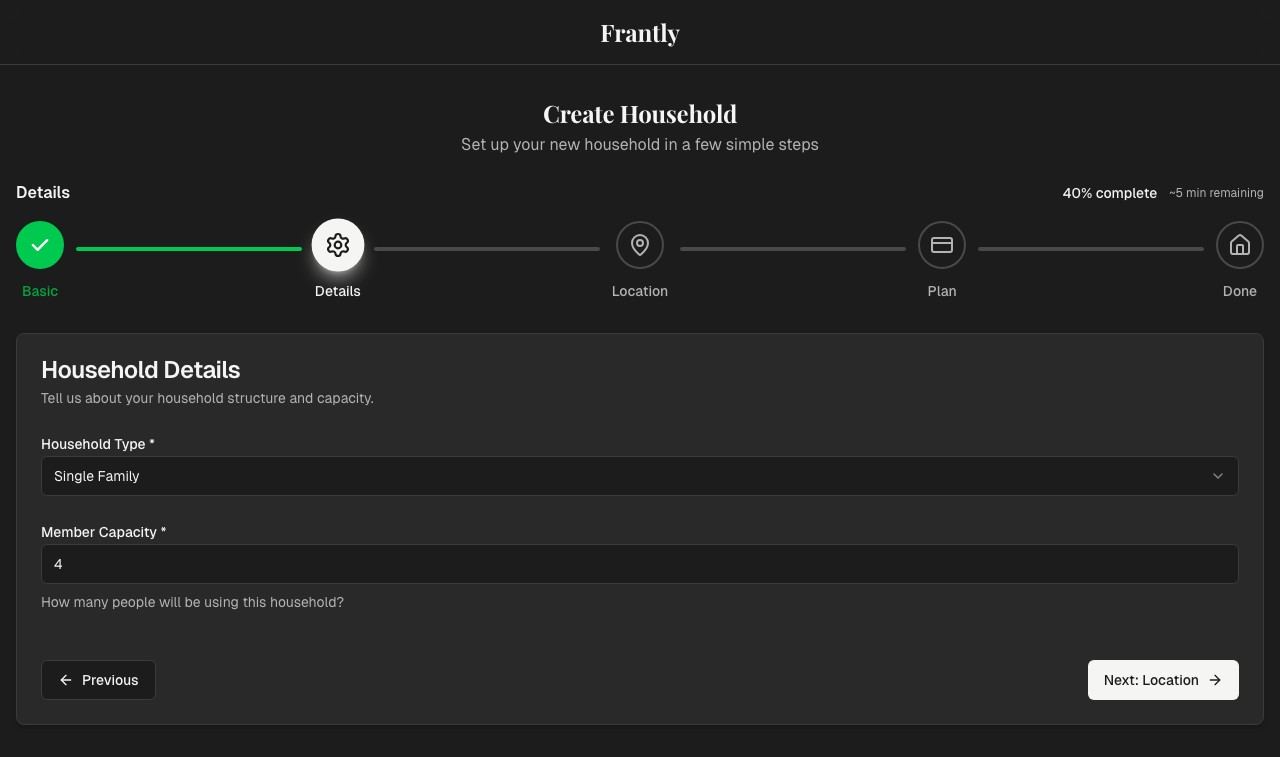
- Household Type - Choose from Single Family Home, Condo, Apartment, etc.
- Capacity - Number of people who typically use this household
3. Location (Optional)
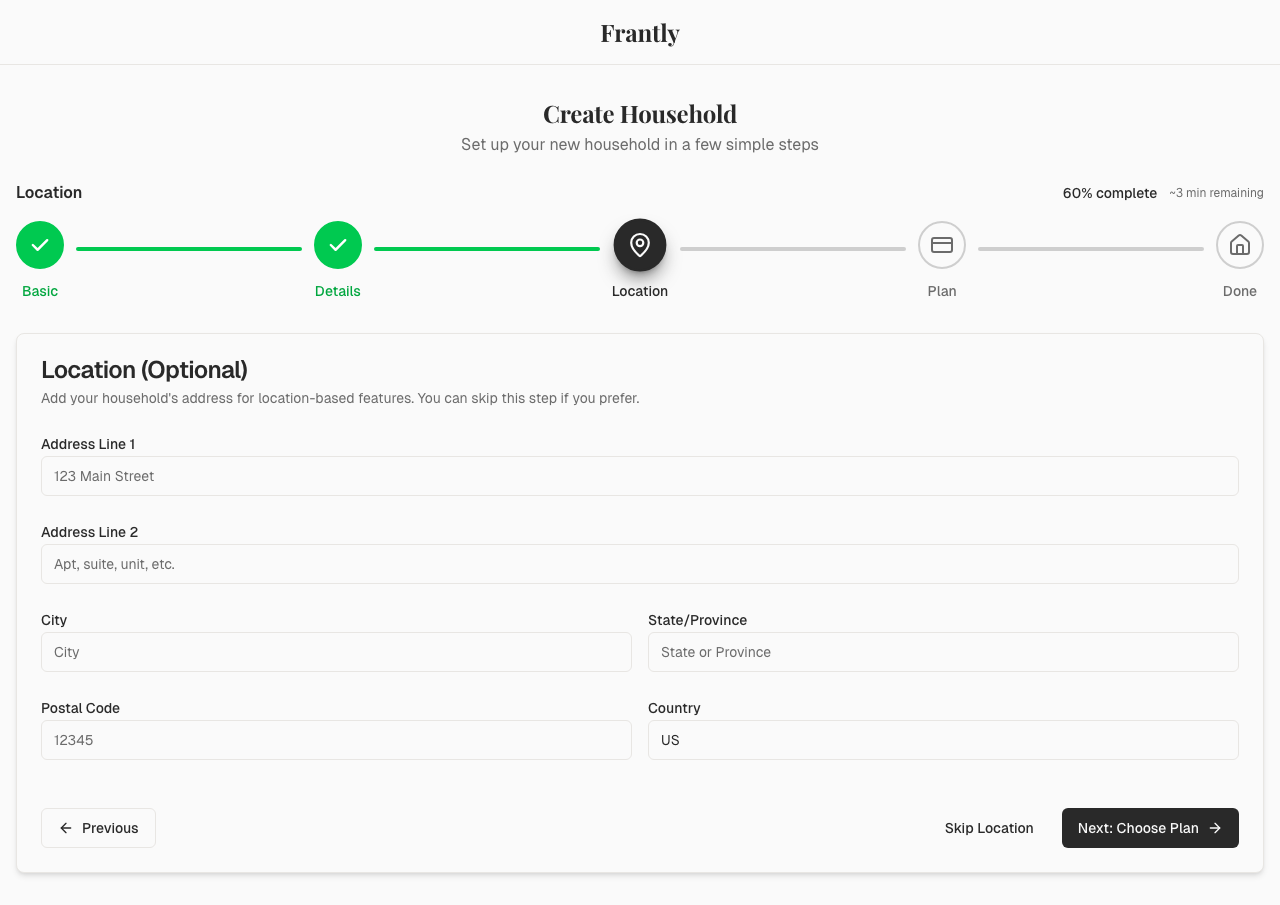
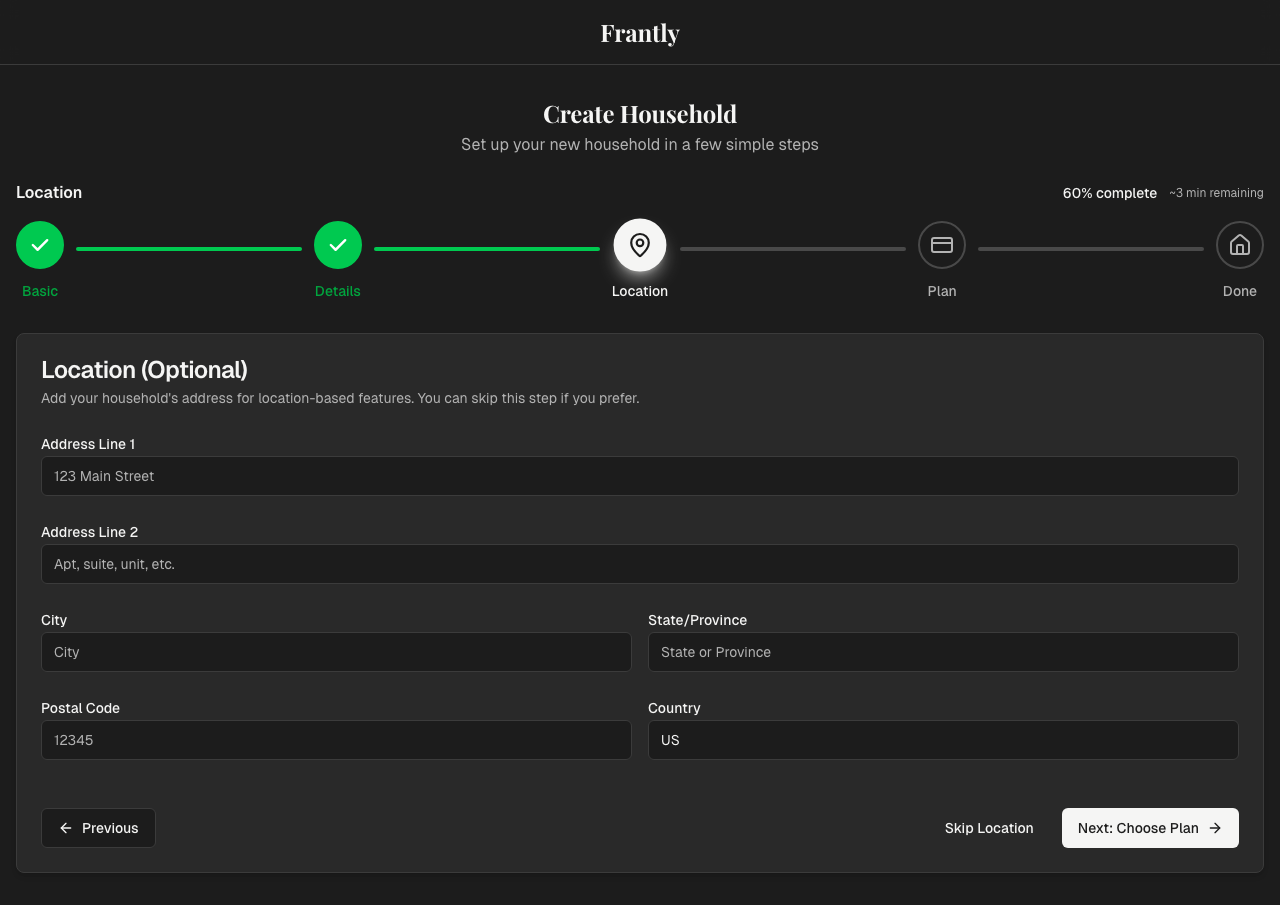
- Address - Street address
- City, State, ZIP - Location details
You can skip this and add location information later.
4. Choose Your Plan
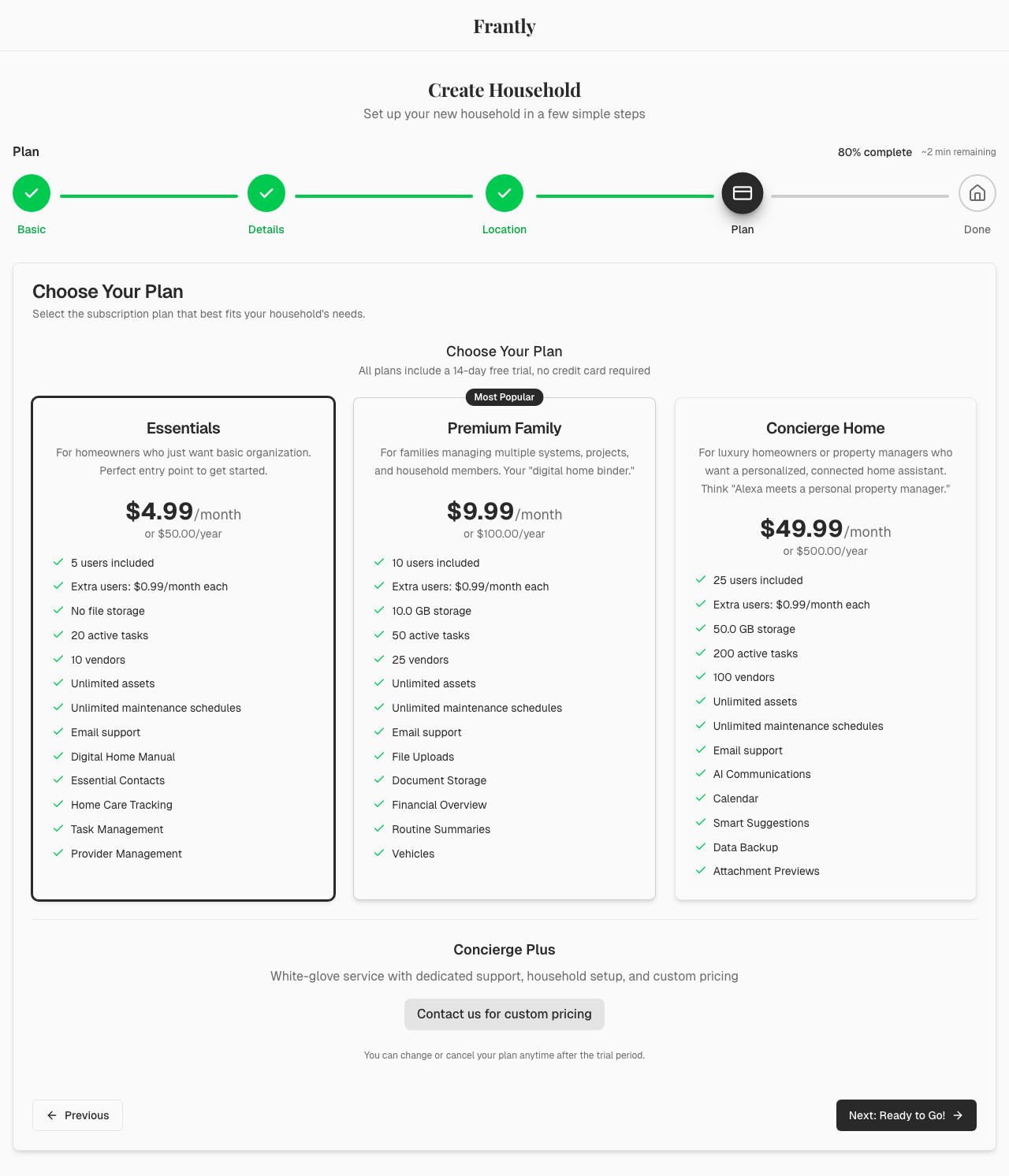
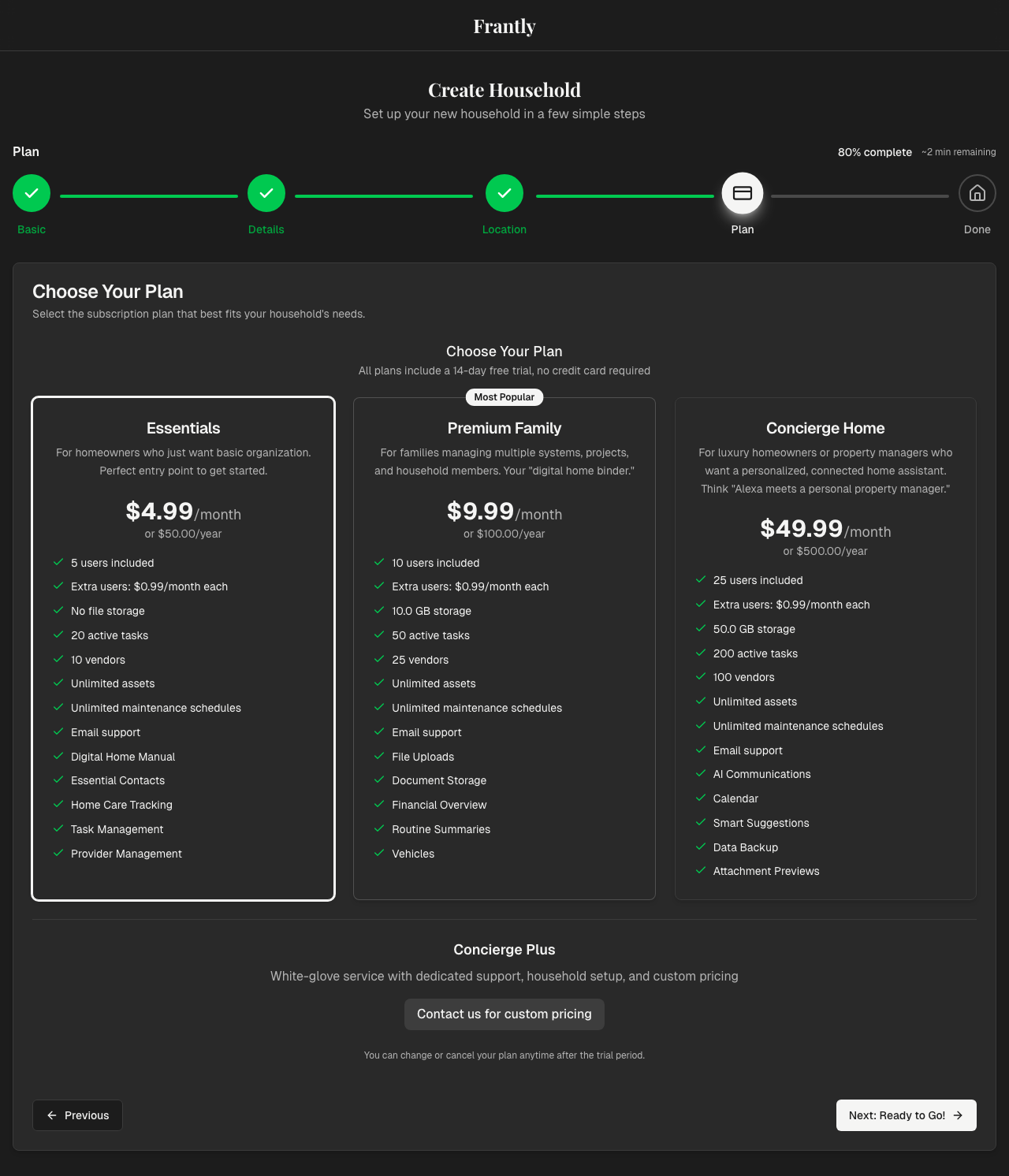
Select a subscription plan:
- Essentials - For single households
- Premium - For families who want more features
- Concierge - For larger homes with staff
- Concierge Plus - For multiple properties
You can upgrade or change your plan later.
5. Review and Create
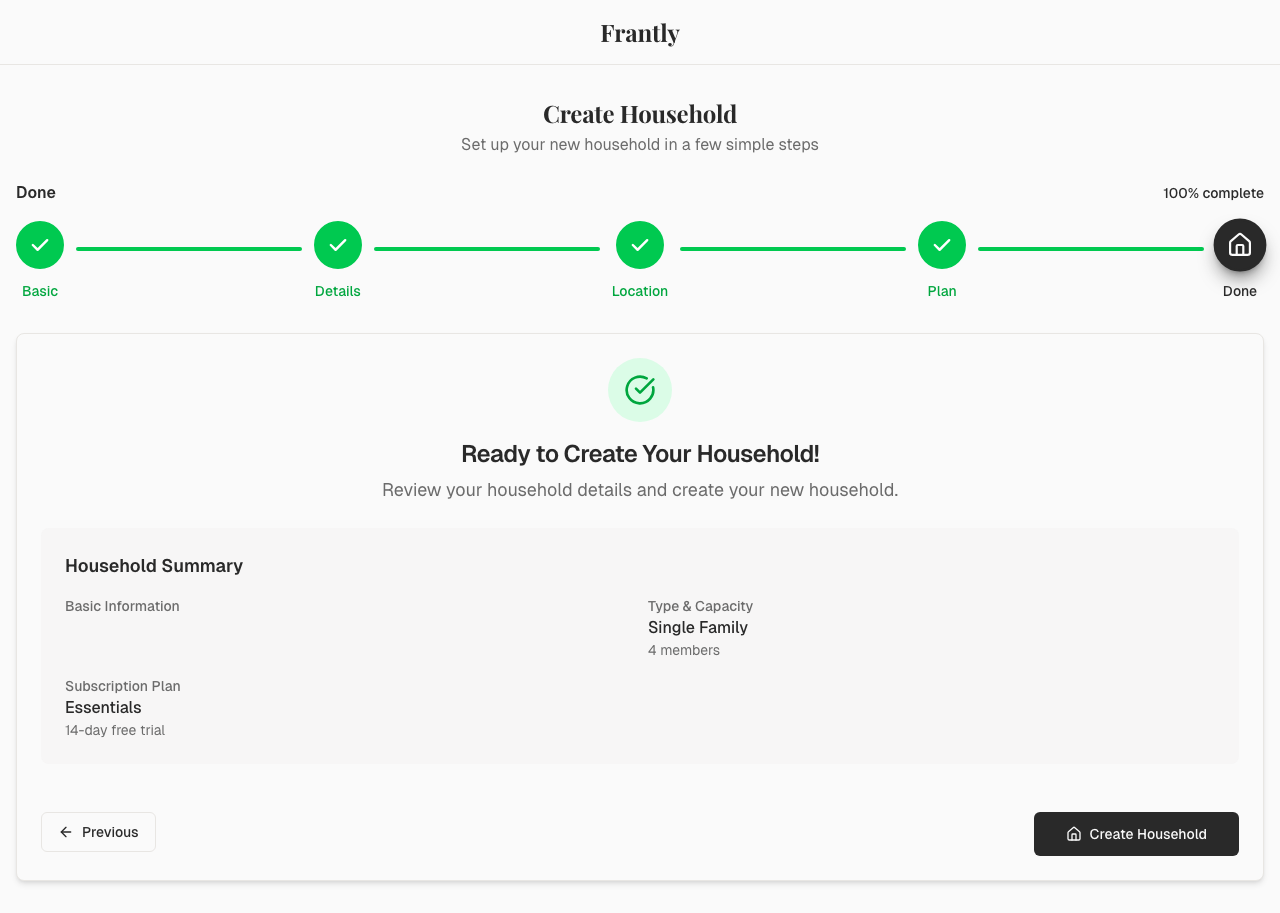
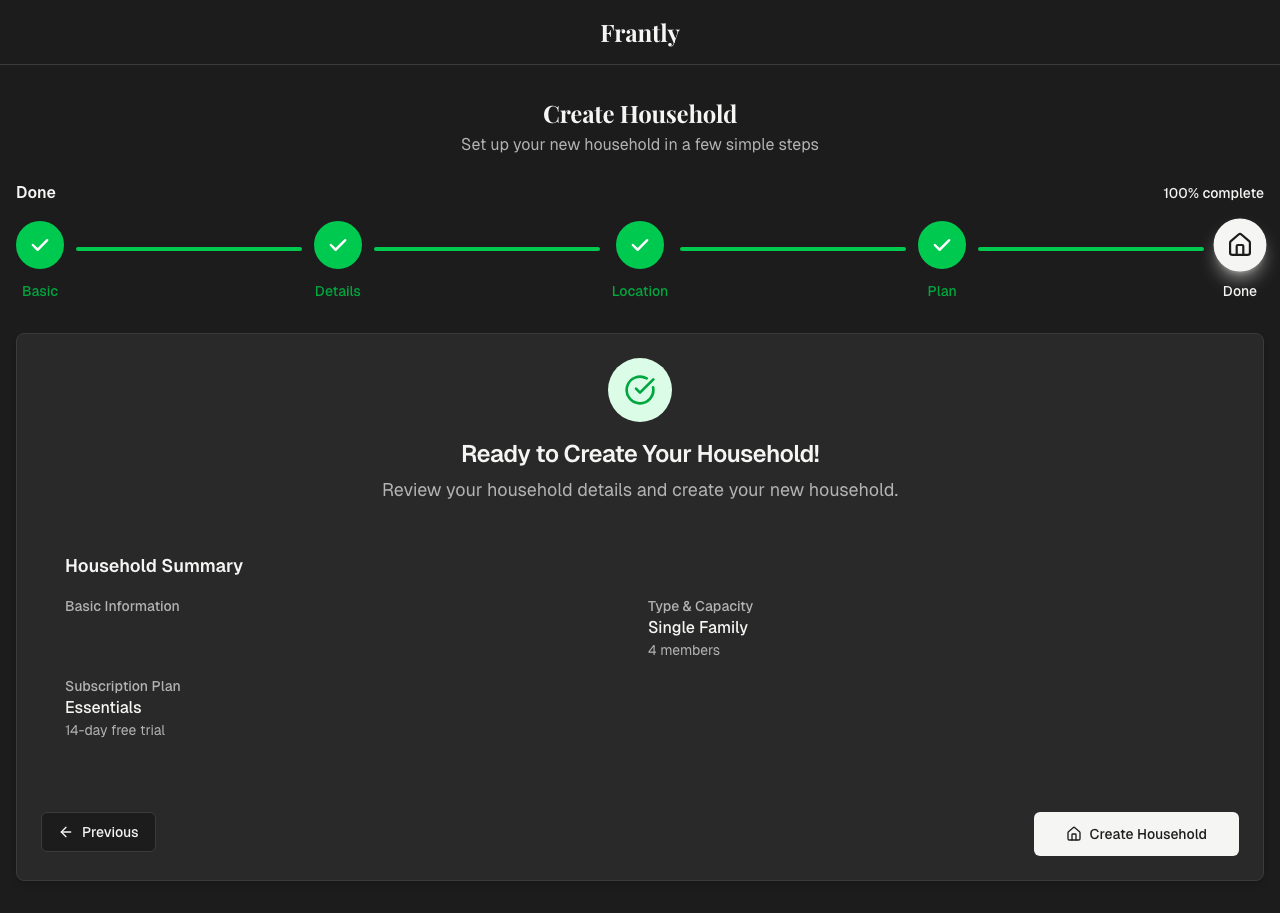
Review your information, then click "Create Household" to finish.
What Happens Next?
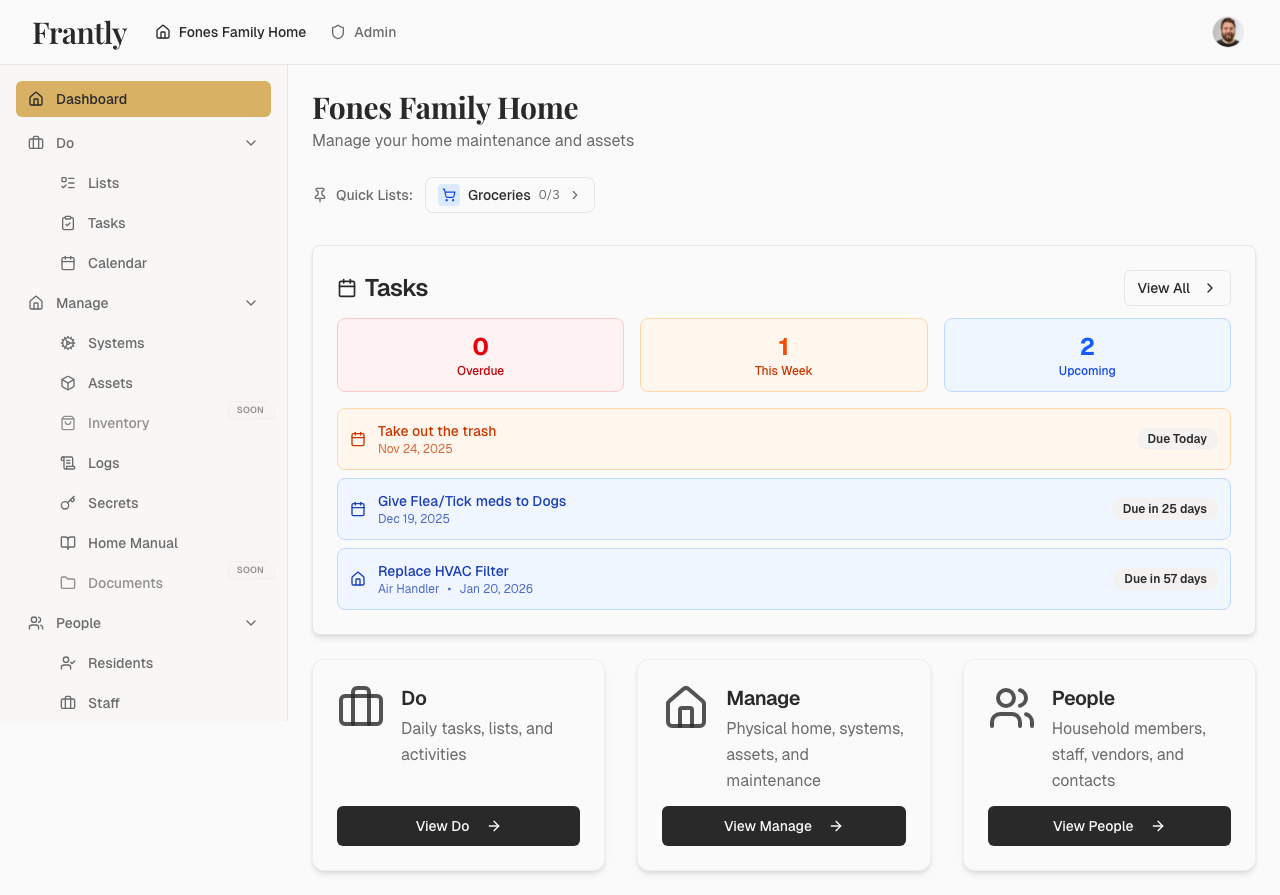
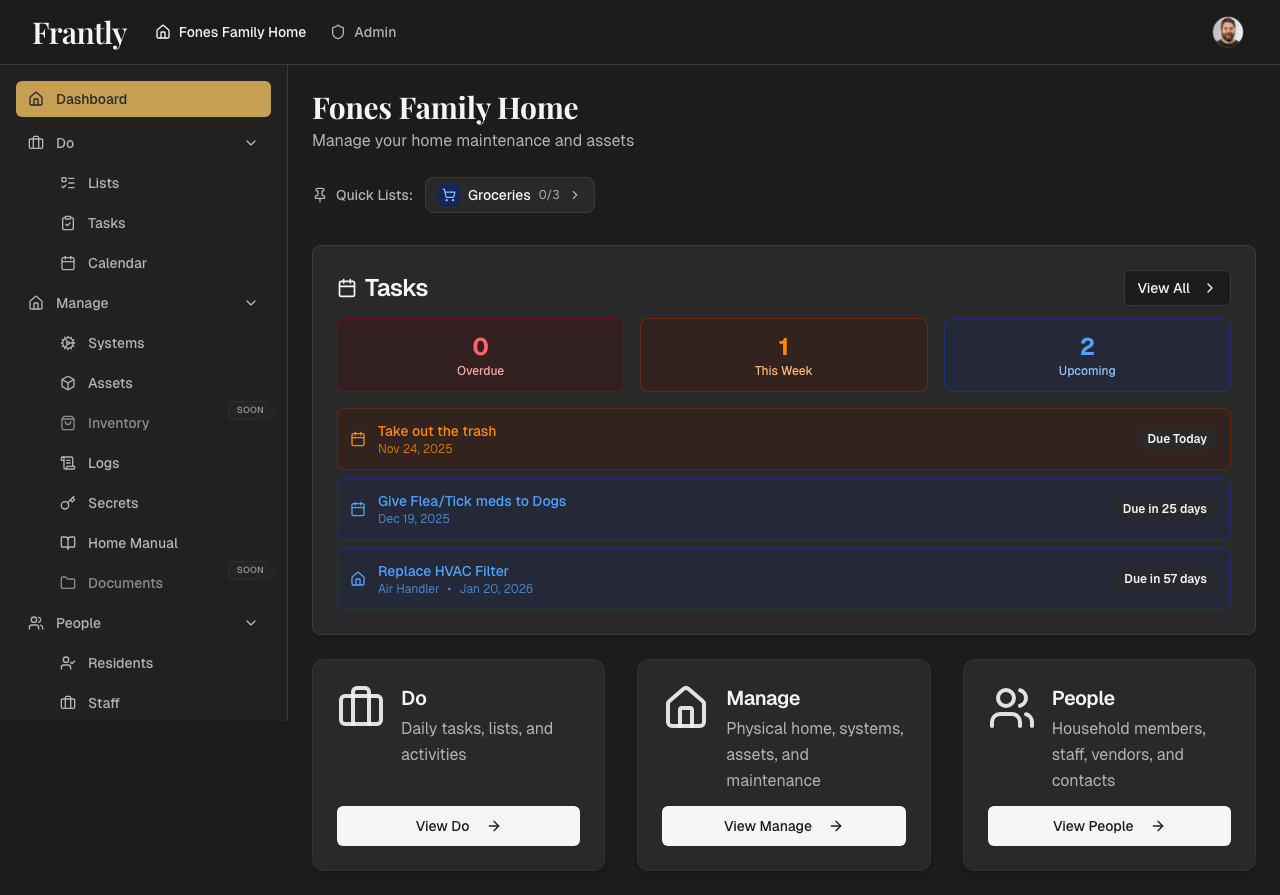
After creating your household, you'll see your dashboard where you can:
- Add appliances and assets
- Invite household members
- Set up maintenance schedules
- Organize your home information
Tips
- You can edit household details anytime
- Start simple—you don't need to add everything at once
- Location is optional and can be added later
Next: Invite household members