Tasks
Stay organized with tasks—create tasks for yourself or assign them to household members, set due dates and priorities, and track completion.
Creating a Task
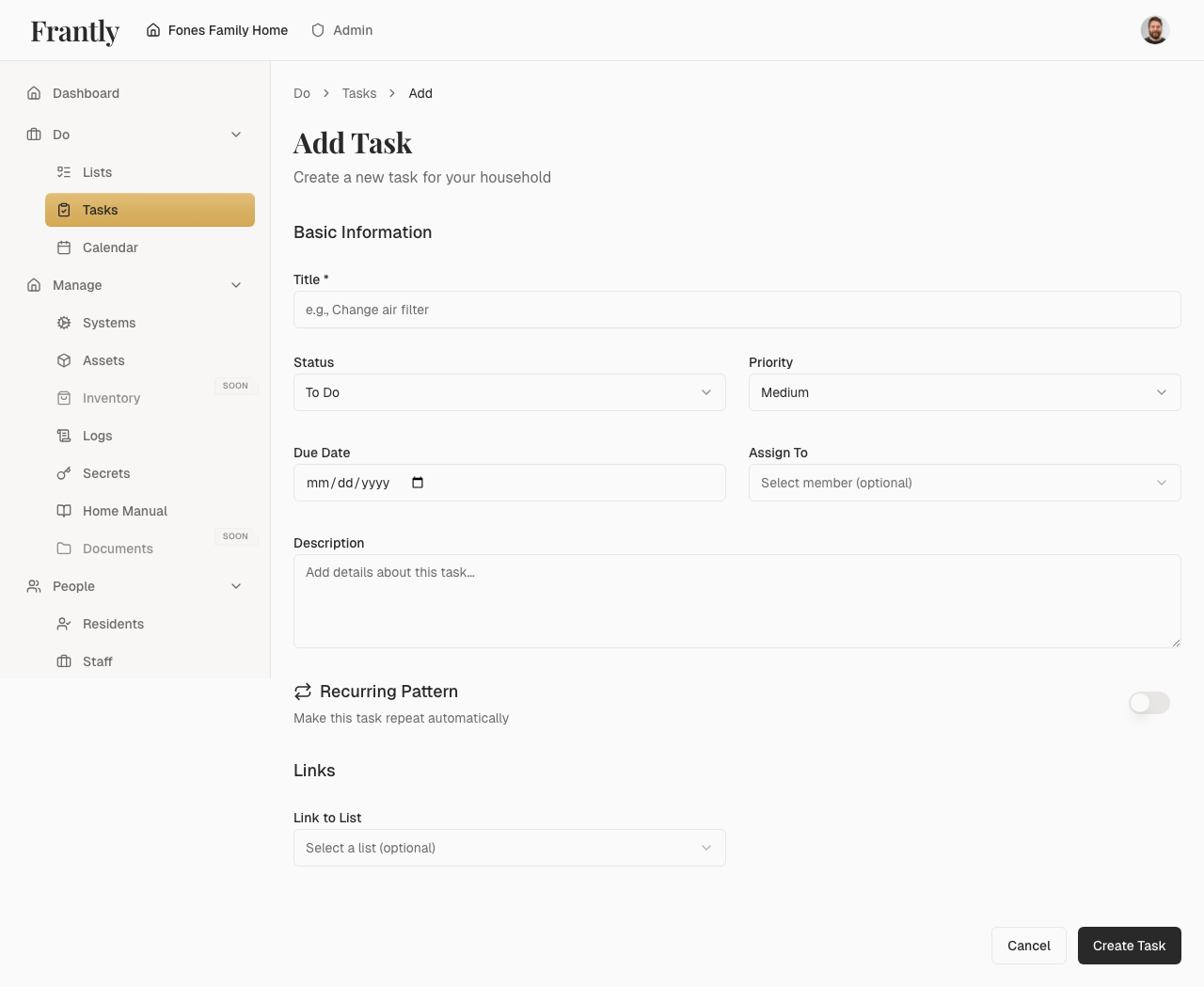
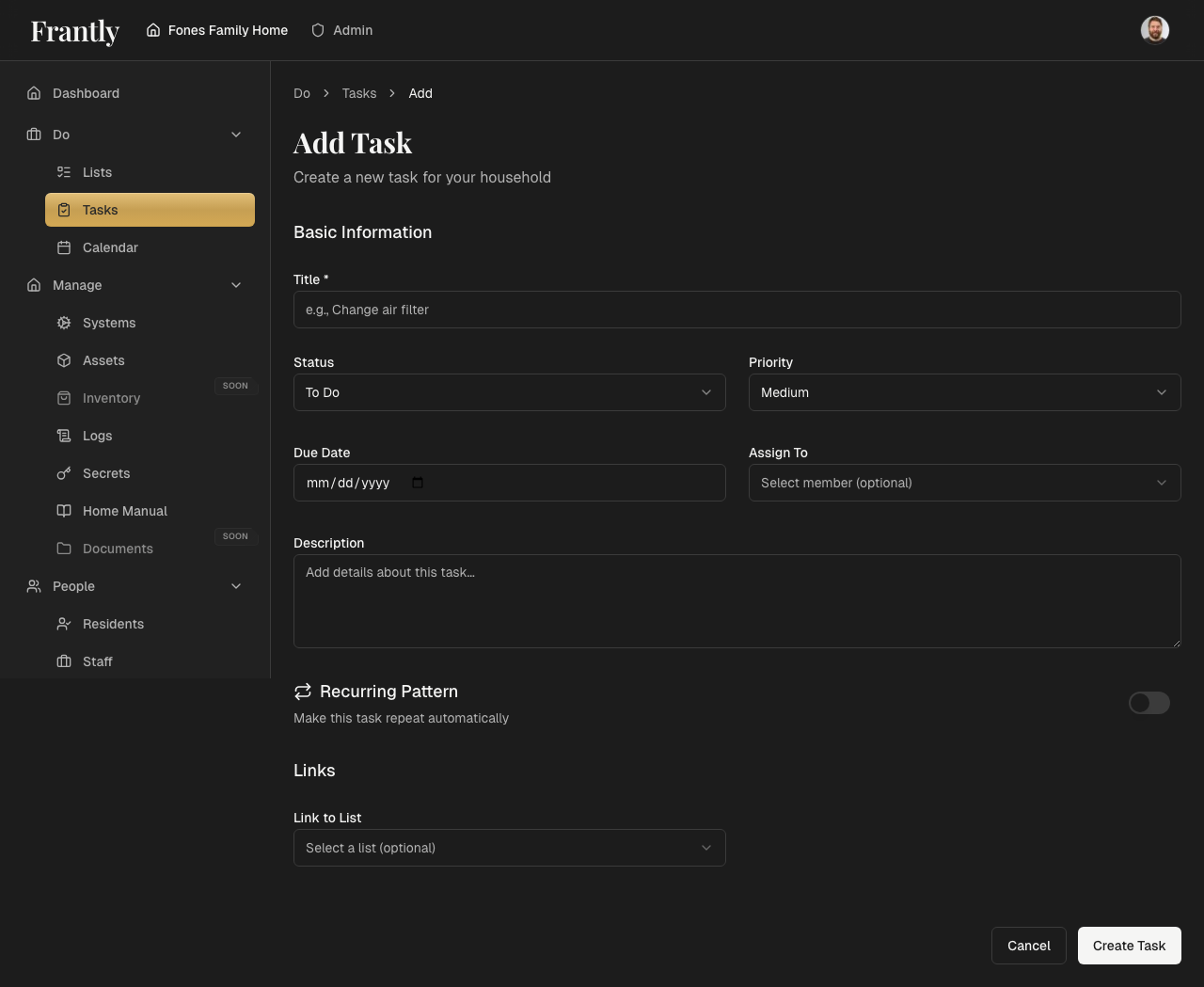
- Go to Do → Tasks
- Click "New Task" or "Create Task"
- Enter a title and description
- Set a due date (optional)
- Set a priority (optional)
- Assign to yourself or a household member (optional)
- Save your task
Managing Tasks
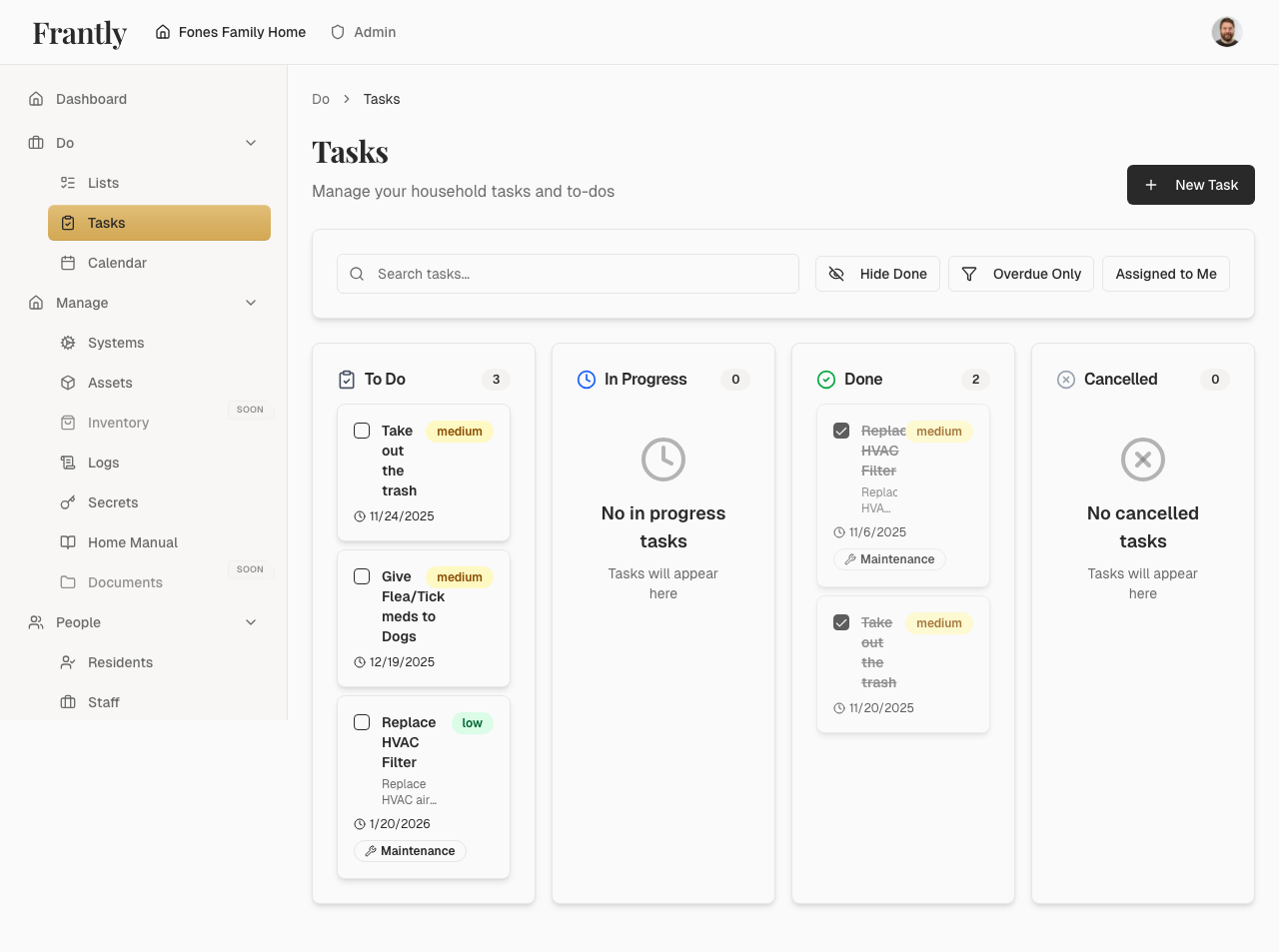
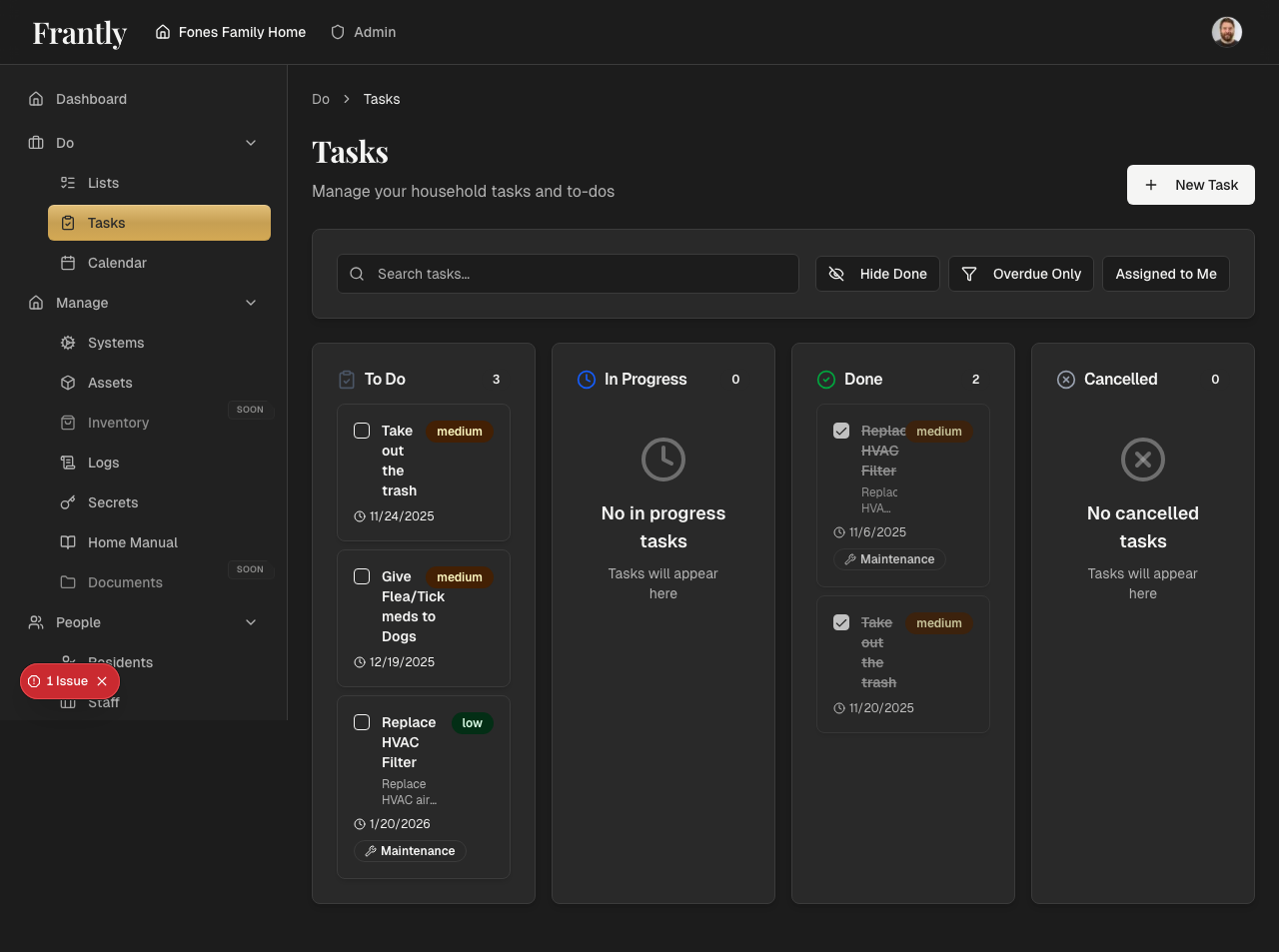
- View all tasks - See tasks assigned to you or your household
- Filter tasks - Filter by person, status, due date, or priority
- Edit tasks - Update task details, due dates, or assignments
- Complete tasks - Mark tasks as done
- Delete tasks - Remove tasks you no longer need
Task Features
- Due dates - Know when things need to be done
- Priorities - Focus on what matters most
- Assignments - Assign tasks to household members
- Recurring tasks - Automate regular tasks
- Status tracking - See what's been done
Recurring Tasks
Create tasks that repeat automatically:
- Daily, weekly, monthly, or custom intervals
- Set how often the task should repeat
- Tasks are created automatically based on your schedule
Tips
- Set due dates to stay on track
- Assign tasks to the right people
- Use priorities to focus on important work
- Create recurring tasks for regular work
- Review and complete tasks regularly