Lists
Create and manage lists for your household—shopping lists, packing lists, and custom lists you can share with household members.
Creating a List
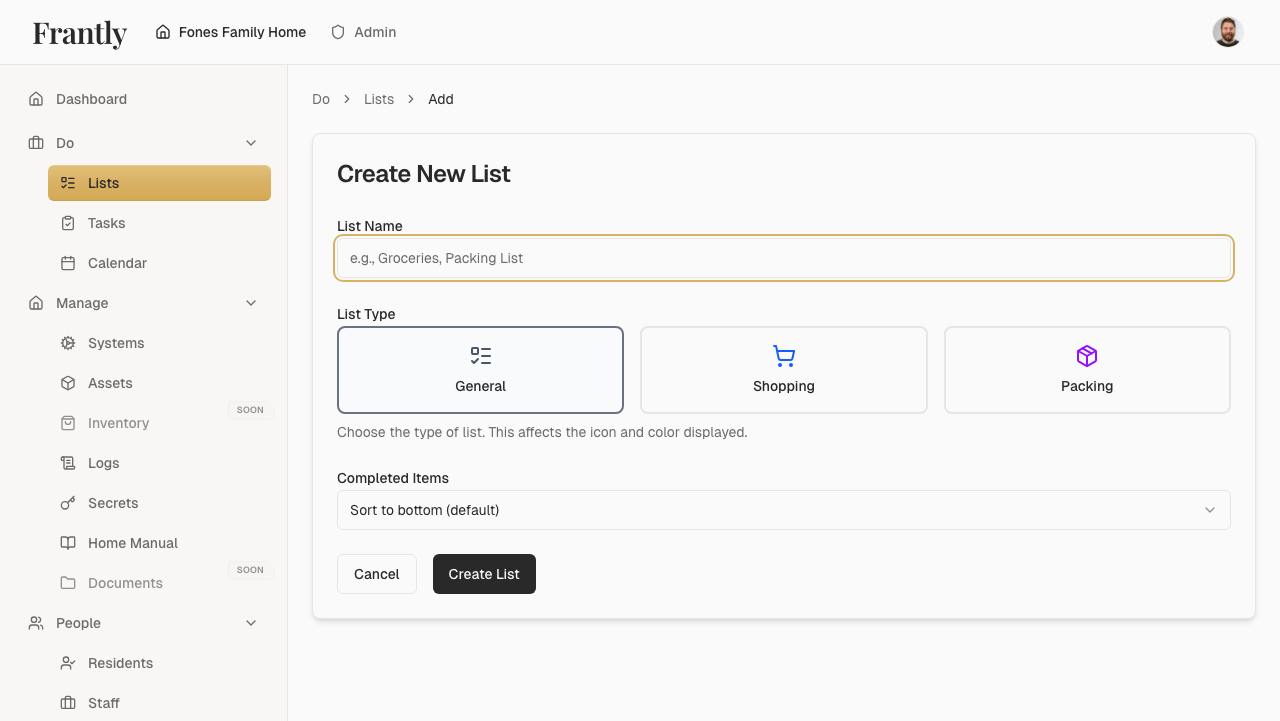
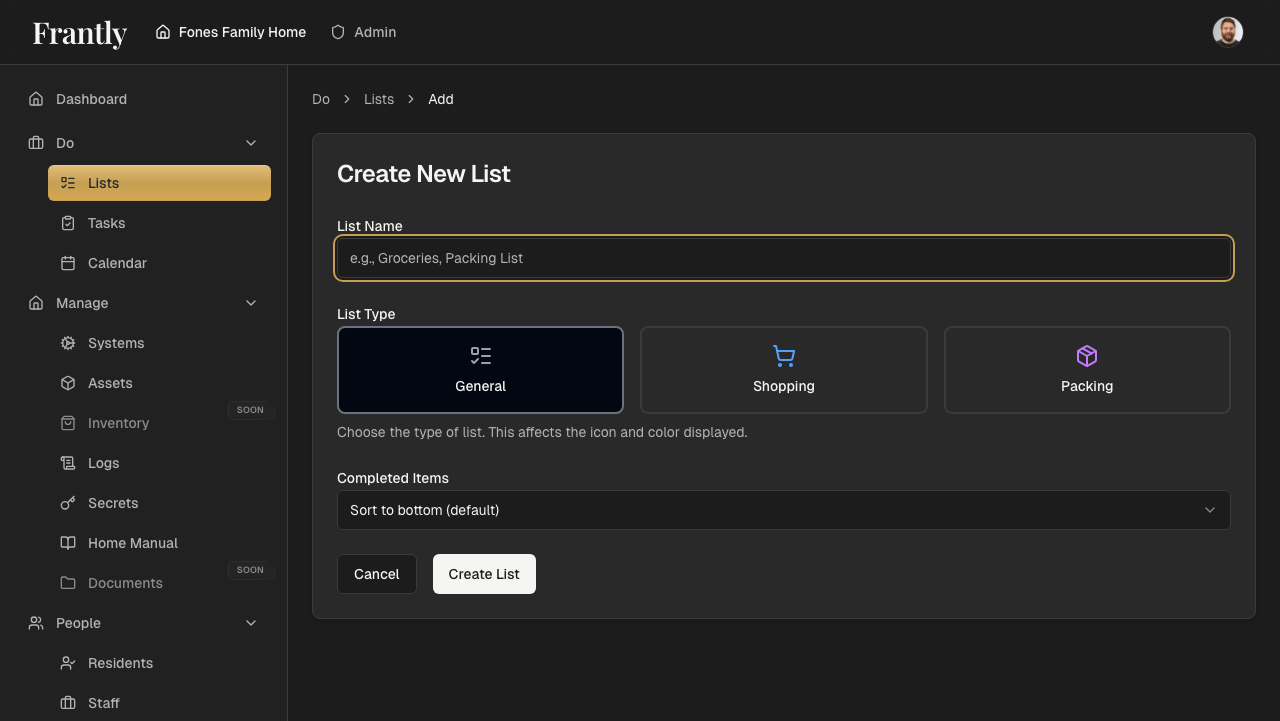
- Go to Do → Lists
- Click "New List" or "Create List"
- Enter a name for your list
- Add items to your list
- Save your list
Managing Lists
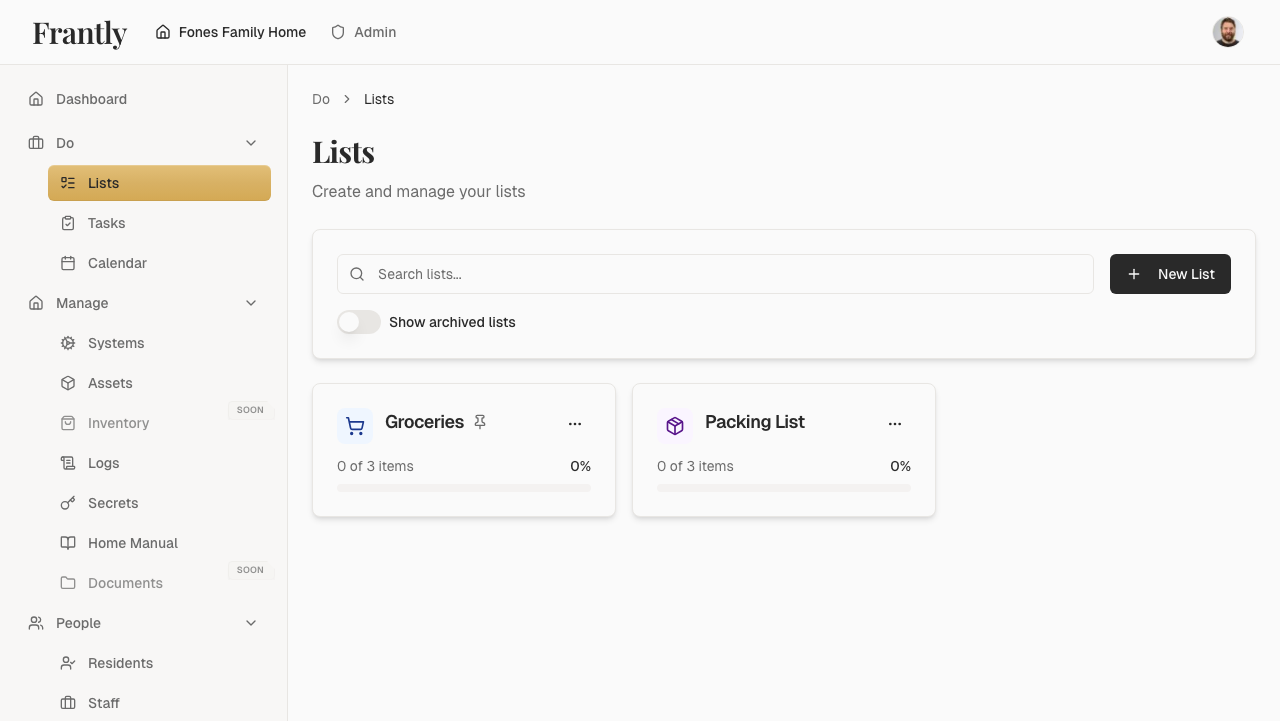
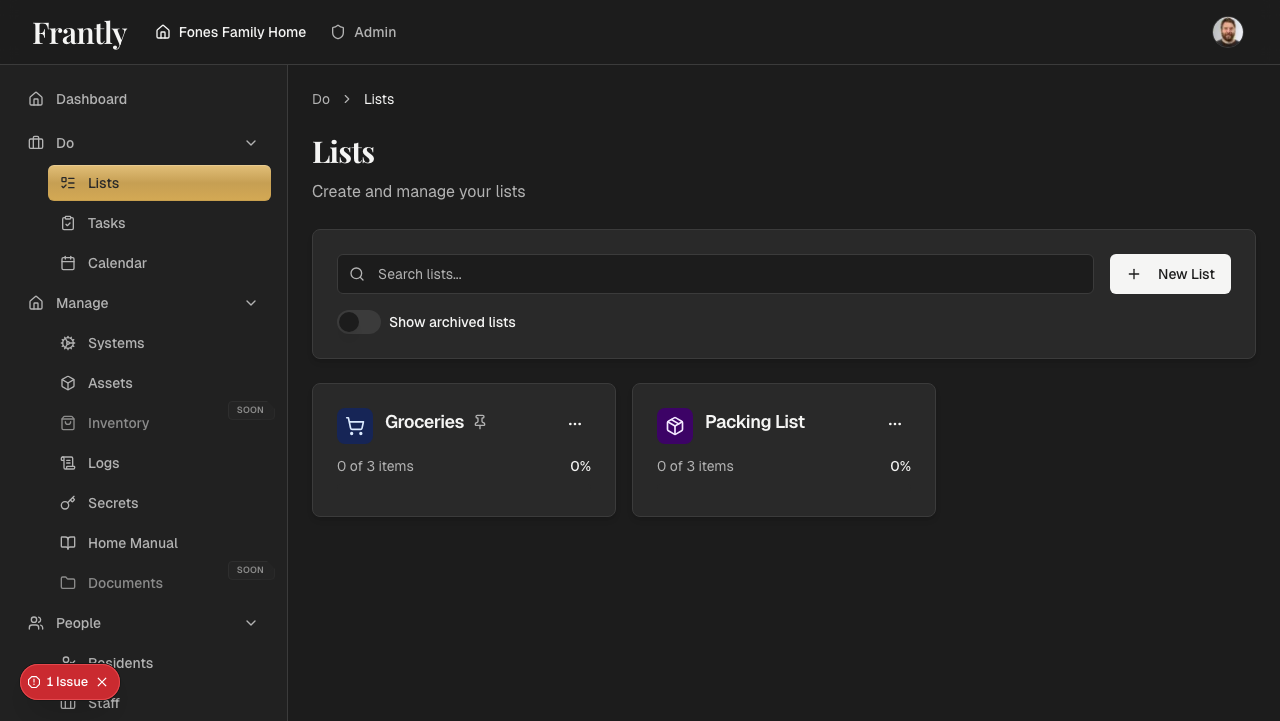
- View all lists - See all lists in your household
- Edit lists - Update list names and items
- Delete lists - Remove lists you no longer need
- Share lists - Make lists available to household members
List Items
- Add items - Add items to your list as you think of them
- Check off items - Mark items as complete as you go
- Reorder items - Organize items in the order you need them
- Remove items - Delete items you no longer need
Types of Lists
- Shopping lists - Groceries, supplies, and items to purchase
- Packing lists - For trips, moves, or special occasions
- Custom lists - Any list you need for your household
Tips
- Create lists before you need them
- Share shopping lists with household members
- Use packing lists for trips and moves
- Check off items as you complete them
- Keep lists updated
Next: Learn about tasks →